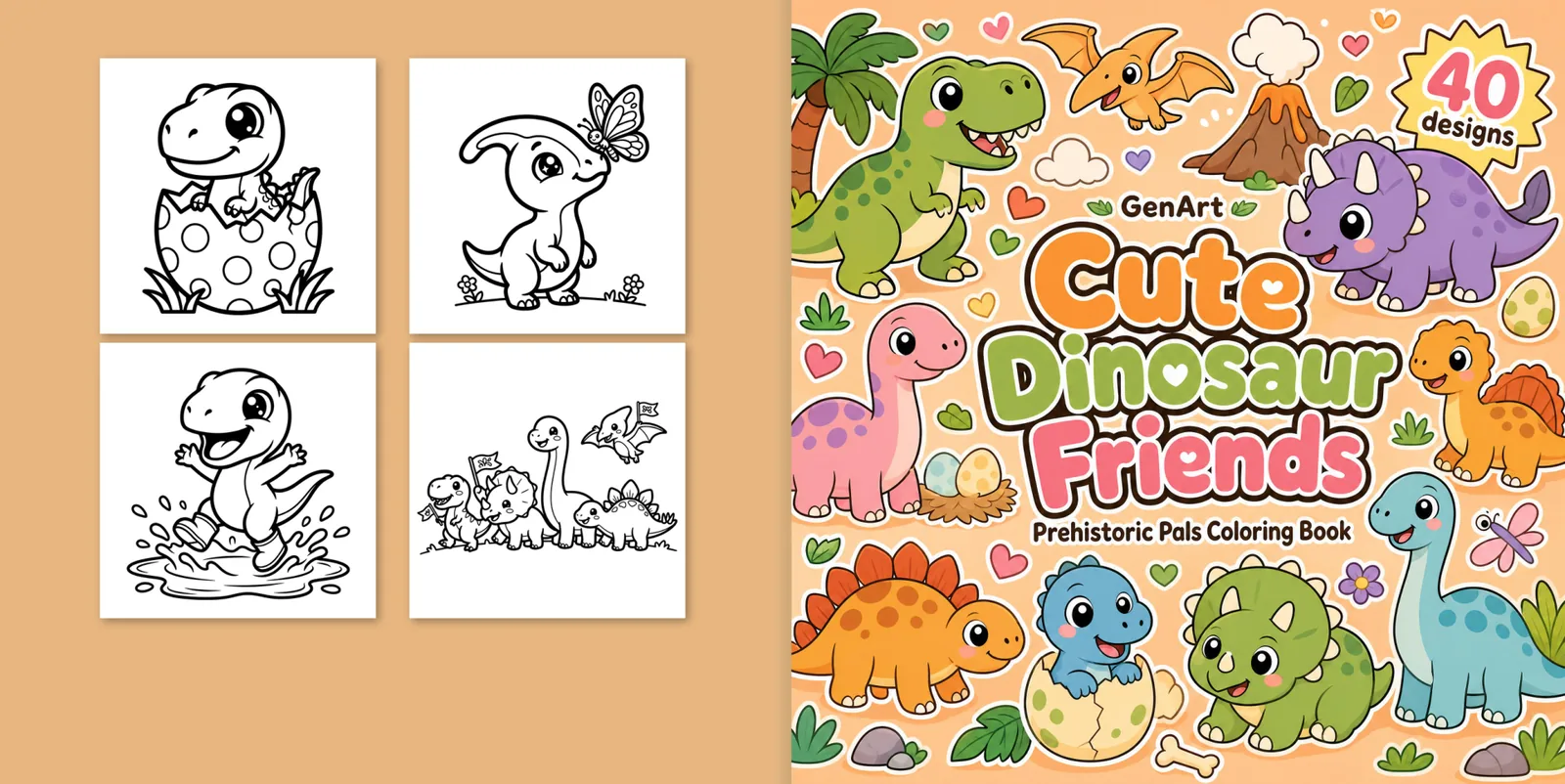
Short animated tutorials for each part of the studio: the cover designer, the four cover types, the A+ Content generator, the page tools and the KDP export. Click any step to jump straight to it.
Every cover, page and A+ image below comes from real books made in the studio and published on Amazon by the GenArt imprint.
Tutorial 1
Design your cover in the cover studio
Your book arrives with a cover already drawn: front, spine and back, sized for KDP. The studio lets you compare directions, touch up the art and check the print guides before you download.
Your cover
Print guides
Download for KDP
← Back
Front →
Trim / bleedSafe zoneSpineBarcode
Title and subtitle
Cute Dinosaur Friends
Prehistoric Pals Coloring Book
Redraw text · 2 cr
Quick touch-ups 2 cr
Bigger titleDifferent fontWarmer colorsSimpler
Back-cover pages Free
In Amazon search (~160px)
Variant 1
Variant 2
Variant 3
Variant 4
More AI ideas3 cr each
Free
Free
How many proposals?
1234
Propose 2 covers · 6 cr
Your brand ✦
Brand / imprint name
Interior PDF
Cover PDF
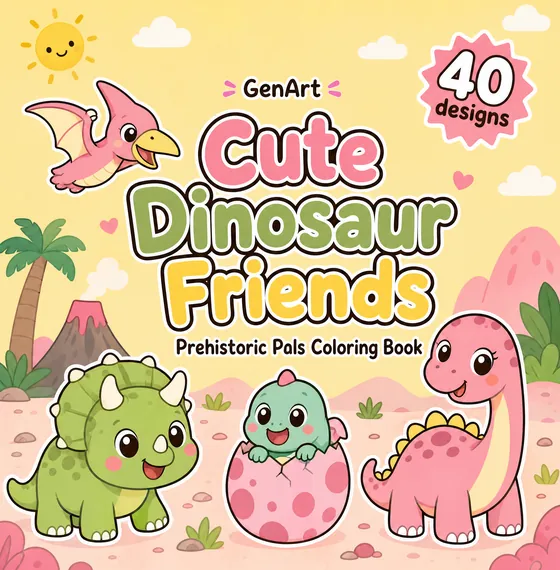
As soon as the pages are ready, the studio draws two cover directions for your book and lays out the full KDP wrap: back, spine and front.
Set your brand or imprint name once and the AI letters it on every cover, small and tidy, and on the copyright page too. Readers start to recognize your books.
Tap any variant to use it. Switching between variants never costs credits, so compare as much as you like.
None you love? Request up to four new proposals at 3 credits each. The studio rotates through the layouts you have not tried yet.
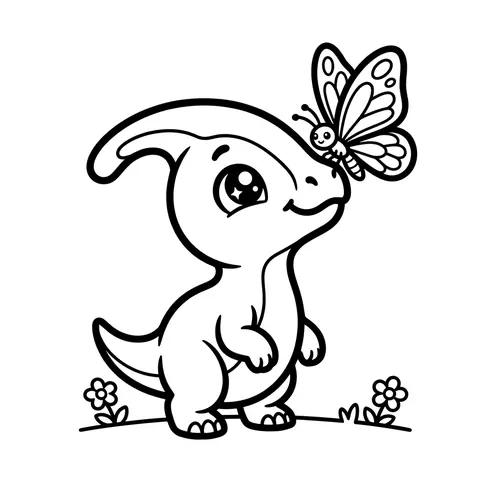
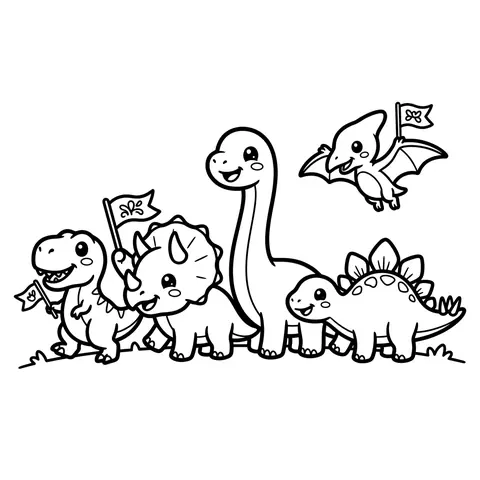
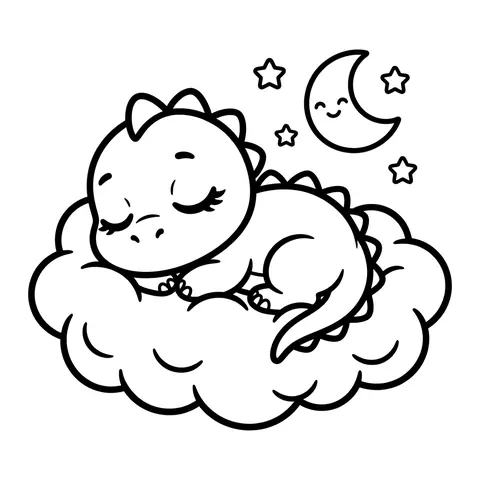
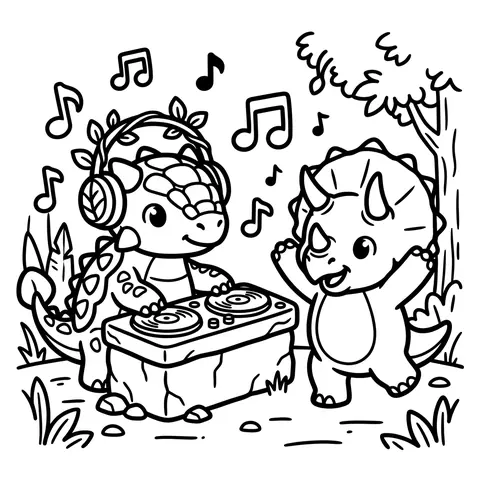
The back shows sample pages from your interior. Tap one to swap it for another page. It is instant and free.
Turn on the guides to see trim and bleed, the safe zone, the spine and the barcode area, plus how the cover reads at Amazon thumbnail size.
One click downloads the interior PDF and the cover PDF, ready to upload. Need a different title? Redraw the text or ask for touch-ups for 2 credits.
Guide
Which cover type should you choose?
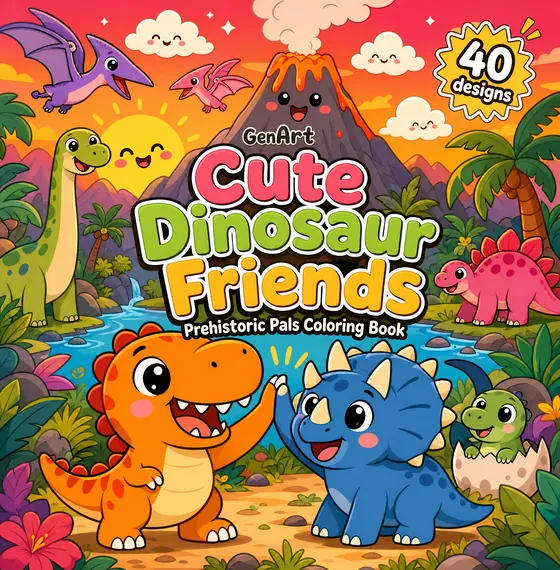
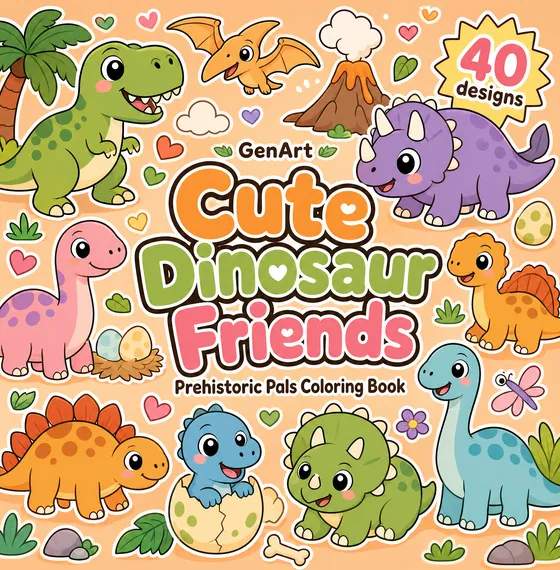
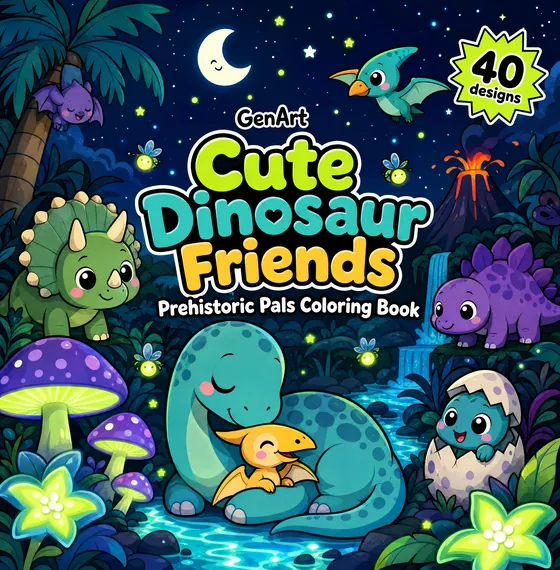
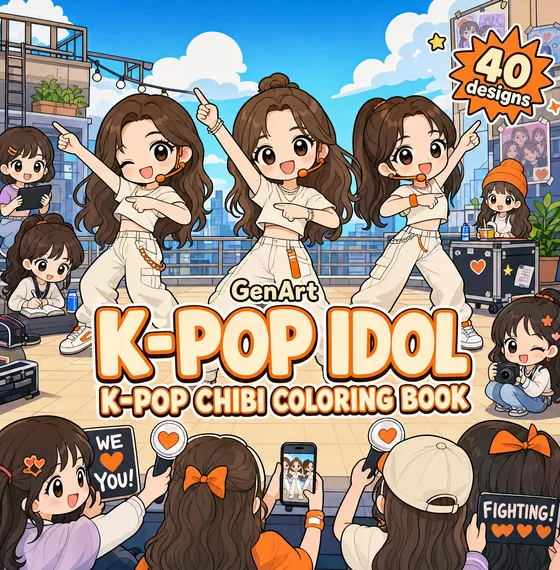
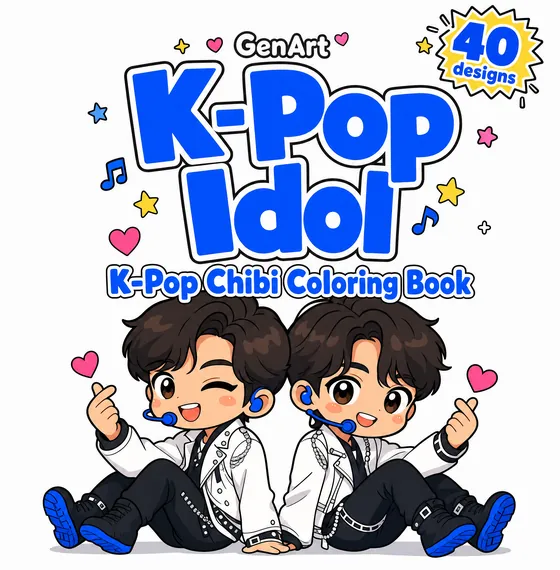
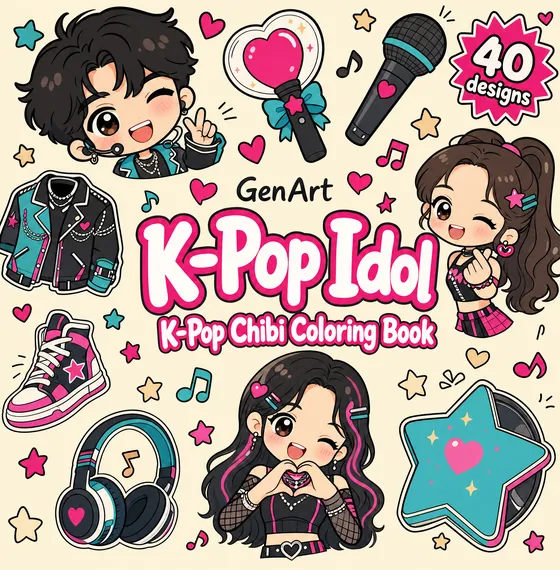
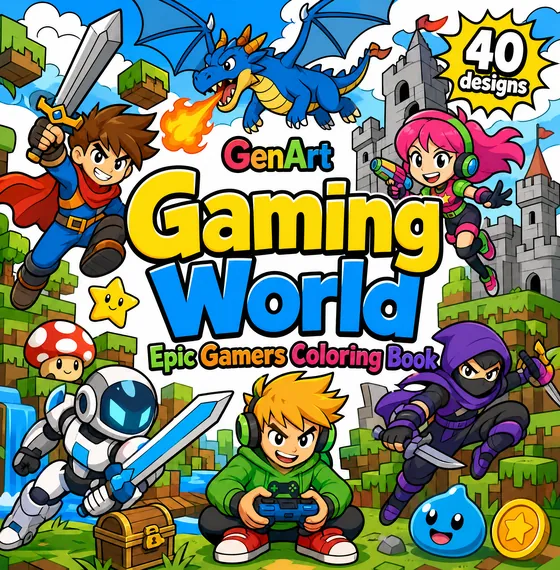
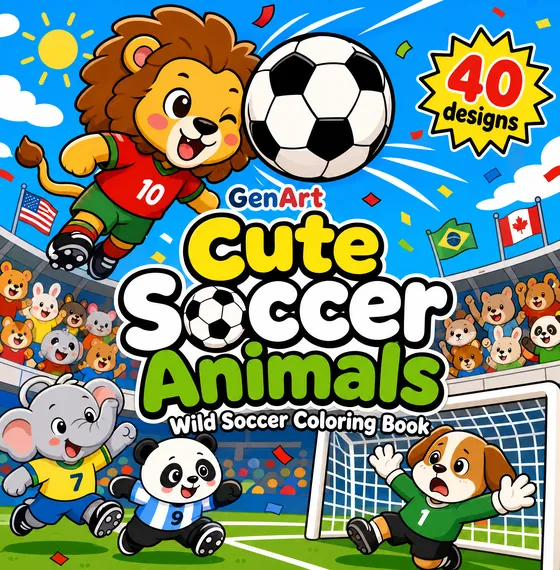
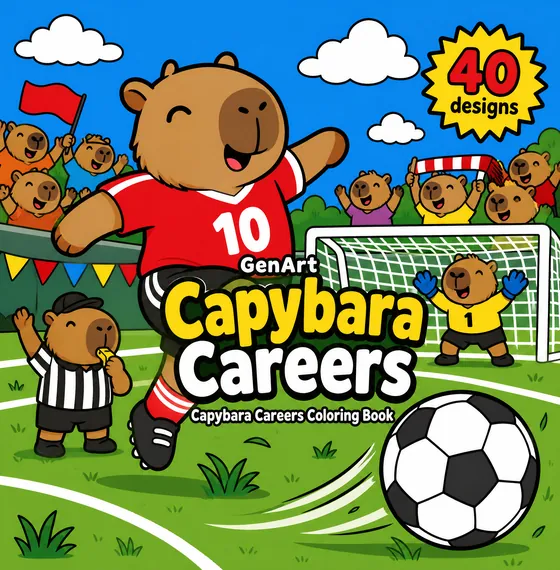
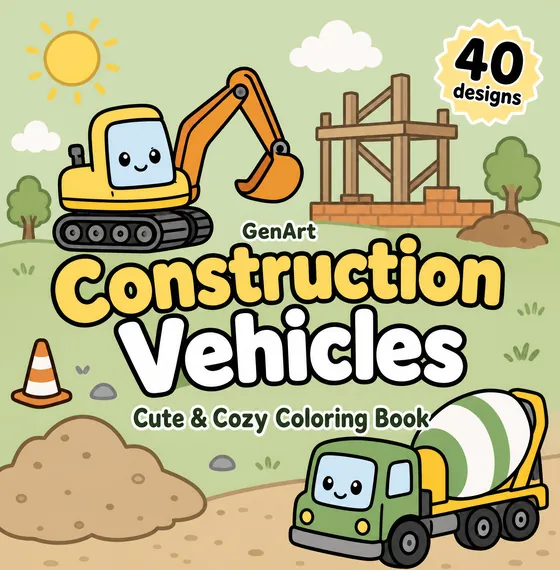
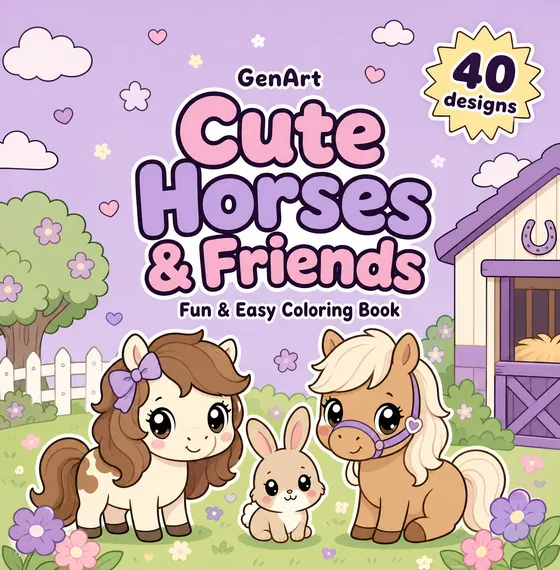
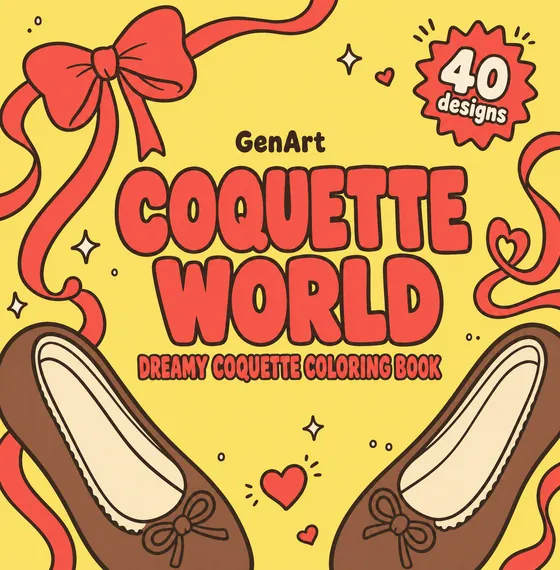
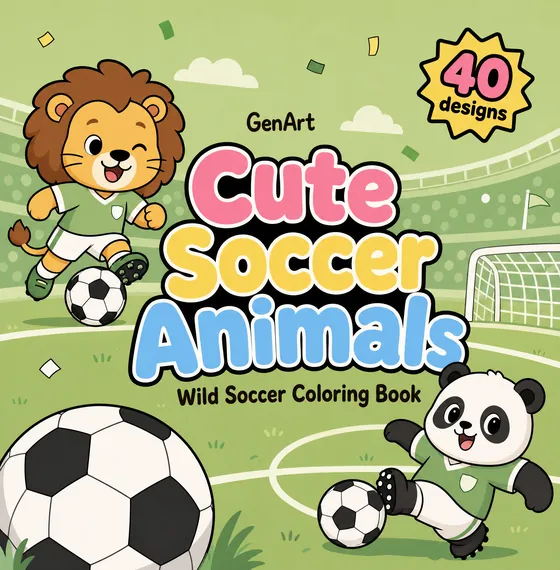
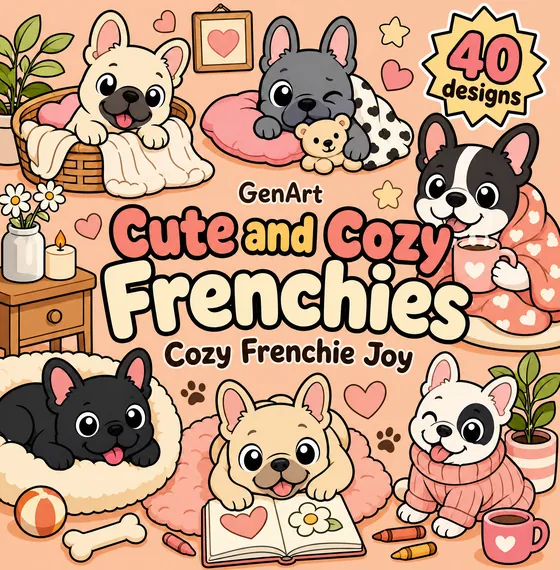
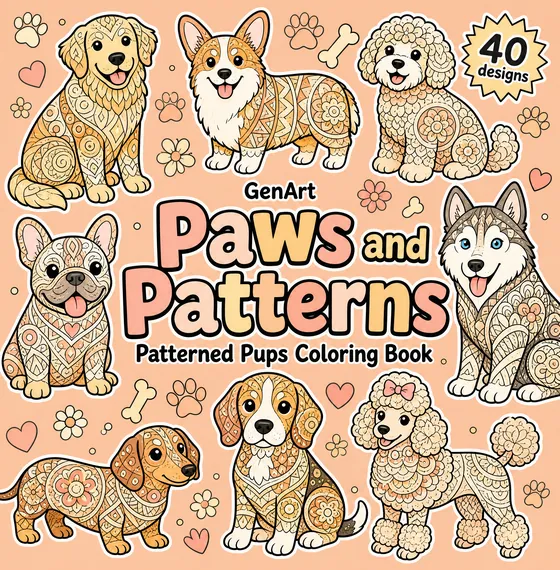
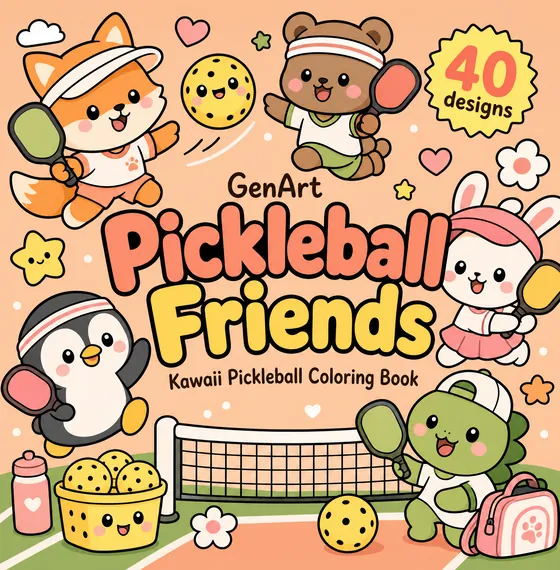
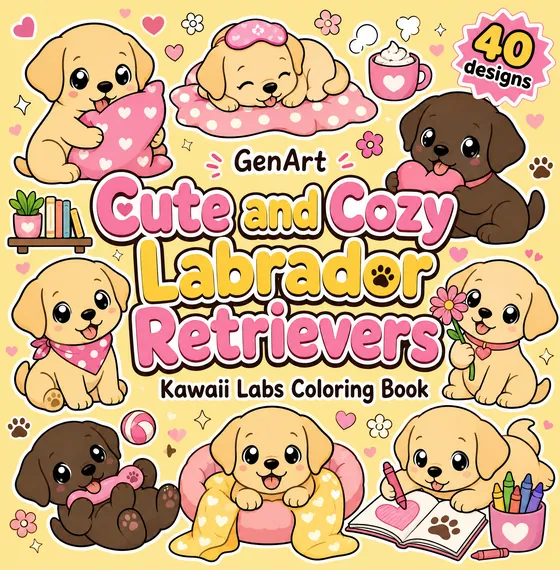
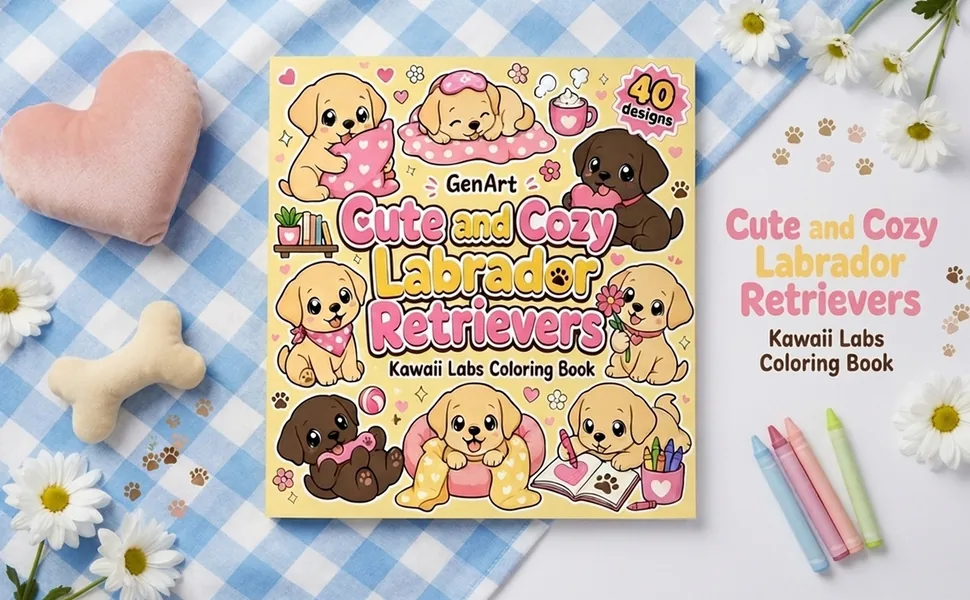
The studio designs covers in four layouts. Each one sells a different promise, so the right choice depends on your theme and your buyer. These are real covers from published books.
Hero
Scene
Big title
Sticker grid
One book, four directions
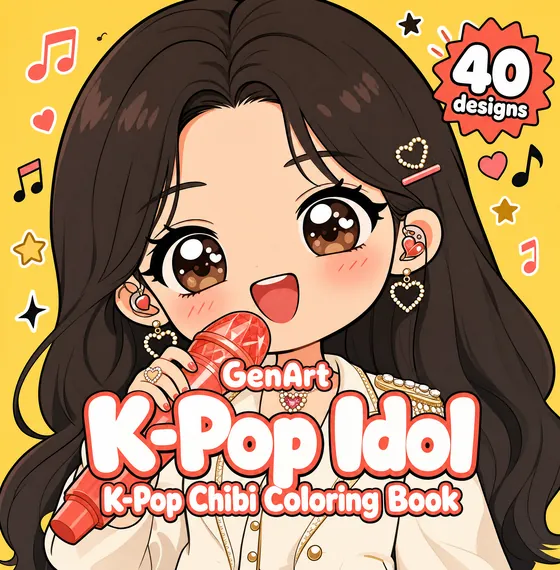
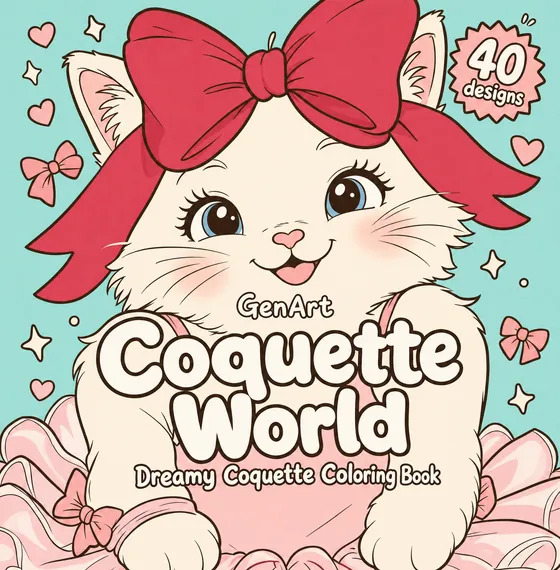
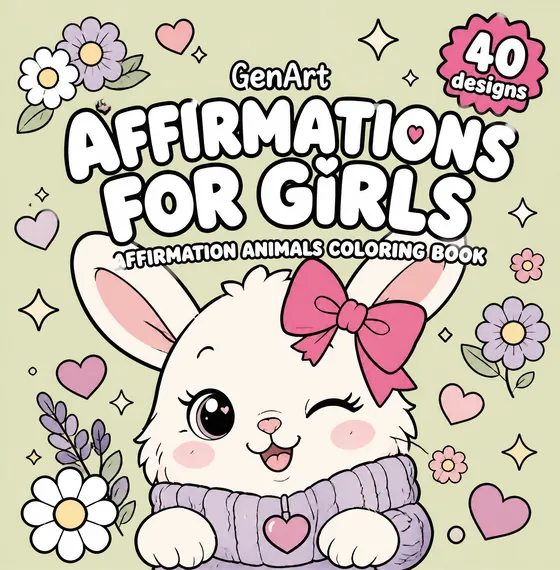
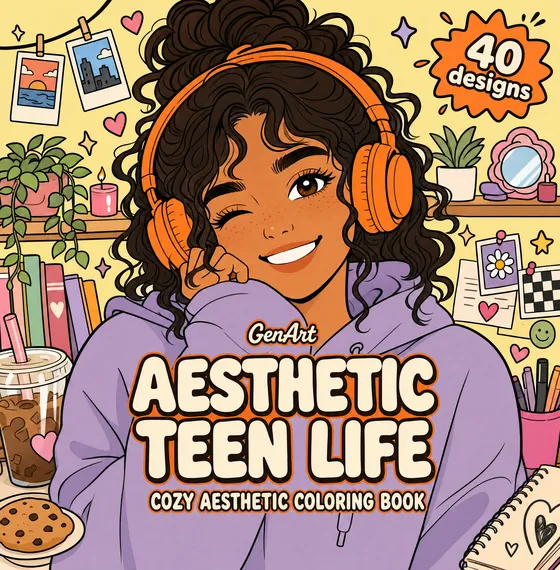
The four proposals the studio drew for the same K-Pop Idol book. Same title, same characters, four very different shelves.
Hero
One adorable character in a bold close-up on a plain background. The face sits high and the title has a calm band to itself.
Best for: Character books, kawaii and chibi themes, a single star animal, girls and teens.
Tip: The strongest layout at thumbnail size. If the face is clear at 160 pixels, it will stand out in search.
Scene
A full illustrated little world in bright daylight, with a foreground, middle and background.
Best for: Adventure, gaming, sports and any theme where the setting is part of the fun.
Tip: Shows the variety inside the book at a glance. Keep the title large so the detail never competes with it.
Big title
One to three large subjects with lots of calm space, so the title lettering does the selling.
Best for: Clear keyword niches such as Construction Vehicles or Horses, toddler books and series.
Tip: Great when buyers search for the exact words in your title. Bold colors keep it from looking empty.
Sticker grid
Six to nine sticker-style drawings around the edges on a light, plain background.
Best for: Big collections (40 designs), cute bundles and cozy themes with many different subjects.
Tip: Tells the buyer "lots of pages inside". Pair it with the page-count badge the studio adds for you.
Three habits of covers that sell
1
Compare two directions first
Every book starts with two different layouts. Decide between them before you spend credits on more ideas.
2
Judge it small
Most buyers first see your cover as a tiny thumbnail. Use the thumbnail check in the print guides before you download.
3
Keep your series consistent
Reuse the same layout and your imprint name across a series, so readers recognize your books on the shelf.
Tutorial 2
Generate Amazon A+ Content in one click
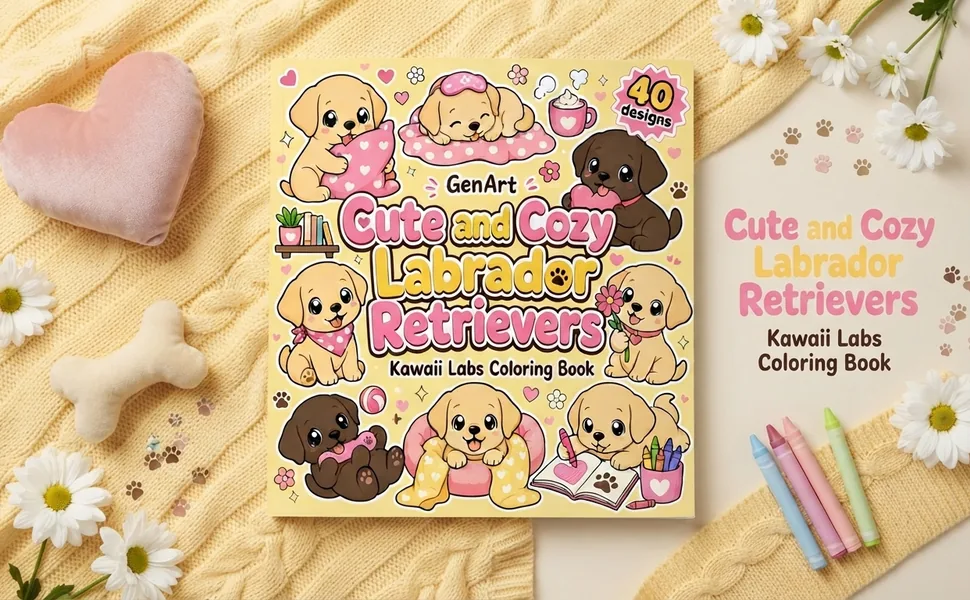
A+ Content is the image section further down your Amazon listing. The studio designs three 970 × 600 modules that match your cover, so the listing looks like a real publisher made it.
Palette from your cover
A+ Content
A+ Content
3 modules · 970 × 600
Generate A+ Content · 3 cr
Featured cover
What's inside
Lifestyle
Edit · 2 Regenerate · 1 Download
Apply
Your Amazon listing
Cute and Cozy Labrador Retrievers
From the publisher
In your library, open the book and click A+ Content, next to Design cover and KDP details.
Before drawing anything, it studies your cover to pick up the palette and the mood, so the modules feel like part of the same book.
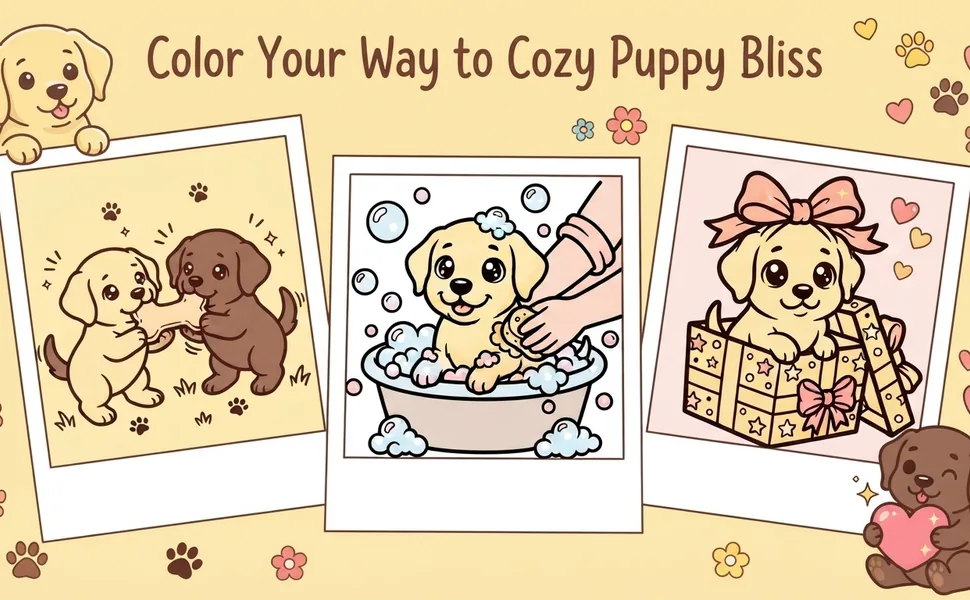
A featured cover shot, a "what's inside" page and a lifestyle banner with colored pages. 3 credits for all three.
Describe a change and the AI applies it to that module (2 credits), or redraw it from scratch (1 credit).
Download each PNG at 970 × 600 and add it in KDP's A+ Content Manager with the "Standard image header with text" module.
Tutorial 3
Polish every page before you publish
Each page has its own tools. Zoom in, add a print-safe frame, redraw the pages you do not love and add the extra pages a professional book has.
Cute Dinosaur Friends
Add pages
Page 5
Page 9
Page 13
Page 16
Page 18
Page 21
Page 34
Page 39
Regenerate · 1
Title & copyright 2 cr
Coloring tips 2 cr
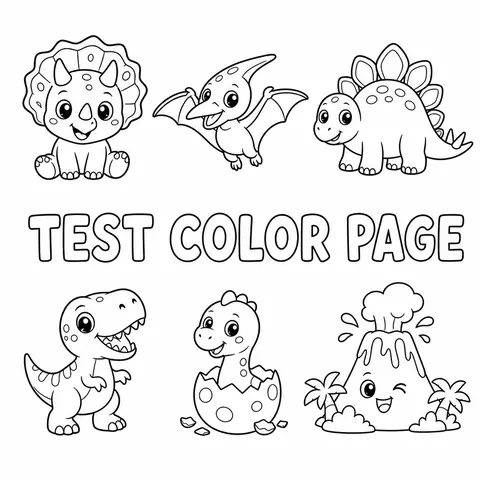
Color test page 2 cr
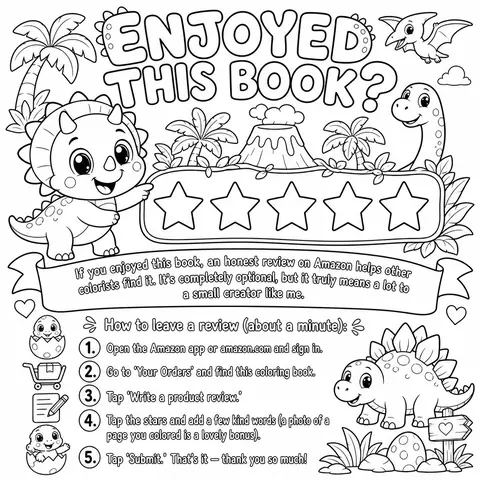
Review invitation 2 cr
Looks professional
Open a page in the viewer to zoom and pan before you approve it, or download it on its own.
One click adds a black rounded border inside the KDP safe margins. Select several pages to frame them all at once.
Redraw a page from scratch for 1 credit, or describe an edit and compare the original with the preview before saving (2 credits, paid plans).
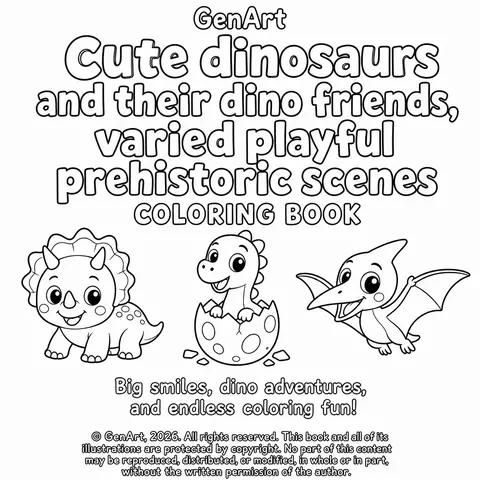
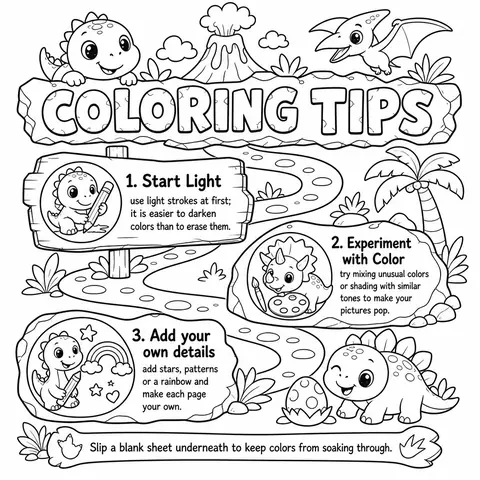
A title and copyright page with your brand, a coloring tips page, a color test page and a review invitation. They make the book feel like it came from a real publisher. 2 credits each, paid plans.
Tutorial 4
Export the files and the listing for KDP
When the book is ready, the studio hands you everything Amazon asks for: the interior, the cover and the text for your listing.