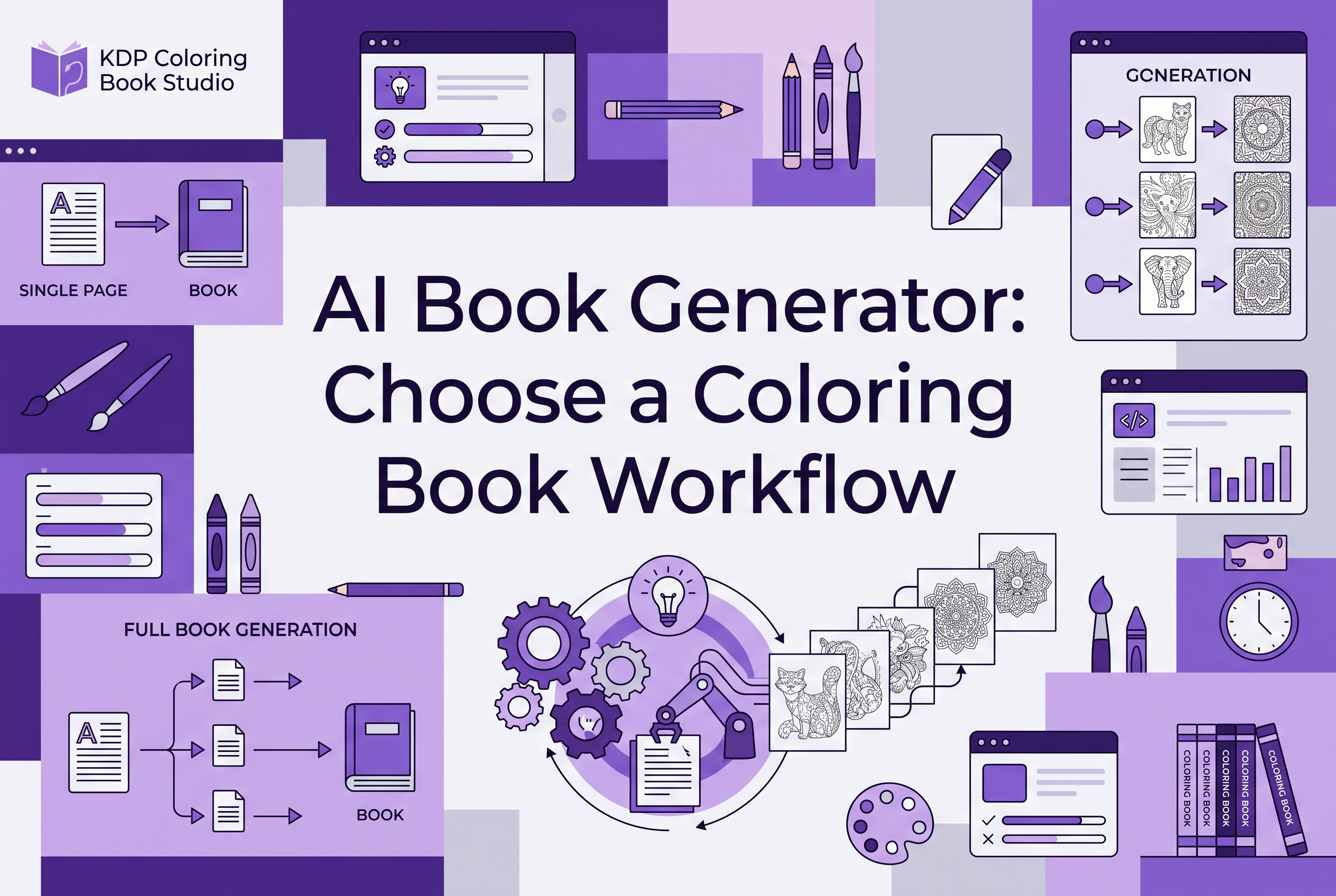

An AI book generator usually means software that writes a prose manuscript. If you want to publish a coloring book on Amazon KDP, you most likely need a coloring book workflow instead: coherent line-art pages, a matching full wrap cover and your own review before upload.
That gap is why so many beginners waste a weekend. They search "ai book generator," sign up for a tool built around chapters and outlines, and then realize a coloring book has no chapters to outline. What they actually need is 24 or more pages that look like they belong together, plus a cover that wraps the whole book.
This post gives you a way to decide in about five minutes. It separates four outputs (prose, coloring interiors, a wrap cover, and manual review and upload) so you can see which of them your project depends on and pick the tool category that matches.
What an AI book generator usually means (and why most results are prose tools)
In most search results, an AI book generator is a long-form text tool. You give it a premise, it proposes an outline, drafts chapters and exports a manuscript. The category grew up around novels, nonfiction and children's story text, and the listicles ranking for the term mostly compare those writing tools against each other.
That is a fair definition of the phrase, and it is the wrong one for a lot of KDP publishers. A text generator produces words. A coloring book is made of images, and the buyer never reads a sentence of it.
The same mismatch shows up in related searches. "AI book writing software" and "AI content creation for books" both point at prose. "Automated book creation tools" is broader, but the first page of results is still mostly manuscript writers. If your product is a coloring book, activity book or other low-content book, read every feature list with one question in mind: does this produce the pages a customer would actually color?
The output changes how the generation works, too. A manuscript writer predicts text, chapter by chapter, and the hard problem is keeping the story consistent. A coloring page generator produces images, and the hard problem is keeping line weight, style and subject treatment consistent across every page. Same phrase, different job.
Which AI book generator is best in 2026?
The best one depends on what you plan to publish, so there is no single winner. Prose tools suit manuscripts like novels, nonfiction and guides. If you want a coloring book for KDP, you need a tool that makes consistent black-and-white pages and a cover. We only cover our own workflow here and do not rank other tools. Pick by output type first, then compare price, file quality and how much cleanup you will do yourself.
Four outputs a KDP coloring book needs: pages, cover, review and upload
A finished coloring book for KDP needs four things, and only the first two are things software can make for you.
Prose. Most coloring books need almost none. A title, an author name, maybe a short copyright page. If your project is a story book with text on every page, prose matters. If it is a coloring book, it is a small part of the job.
Coherent coloring interiors. This is the real work: black-and-white line-art pages at print resolution that share one style, so page 14 looks like it came from the same book as page 3. Inconsistent line thickness or mismatched detail levels make a book feel assembled from random downloads. For a deeper look at planning this, see Coloring Book Page Variety: Plan a Cohesive Interior.
A matching full wrap cover. A paperback cover on KDP is one file covering the back, spine and front, not just a front image. It has to match the interior in theme and style, because the cover is what a buyer sees first in search results. A text-only generator will not give you this.
Manual review and upload. Someone has to open the files, check every page, read KDP's current content guidelines, answer the AI disclosure question honestly and upload to their own account. No tool does that part for you, and you would not want one to. The steps are laid out in How to Upload a Coloring Book to Amazon KDP: PDF Guide.
When you compare tools, score each one against these four. A tool that nails output one and skips two and three is a manuscript writer, whatever its homepage says.
Manuscript writer or coloring book workflow: a decision checklist
Answer these seven questions about the book you want to publish. Count which column you land in more often.
| Question | Points to a manuscript writer | Points to a coloring book workflow |
|---|---|---|
| What does the buyer do with the book? | Reads it | Colors in it |
| What fills most pages? | Paragraphs | Line art |
| What is hardest to keep consistent? | Plot, tone, characters | Line weight, style, subject treatment |
| What does the cover need to match? | A genre and a blurb | The interior art style |
| Do you need chapters or an outline? | Yes | No |
| What file is the bulk of the work? | A text manuscript | A print-resolution page set plus a wrap cover |
| What will you spend time reviewing? | Prose quality and facts | Every page image and the cover placement |
If you answered "colors in it" to the first question, you can stop. The rest of the table will agree with you.
Two edge cases. If you are making an illustrated story with real text on every page, you need a manuscript writer for the words and a separate image path for the art. And if you want a coloring book with a short story woven through it, write the few pages of text by hand and let the workflow handle the rest. Either way, start by writing down who the book is for and what it contains. Coloring Book Concept Brief: Define Your Reader First walks through that.
What are the best AI tools for authors?
The best AI tools for authors are the ones that match the kind of book you publish. Writers of text books look for help with outlining, drafting and editing. Publishers of visual low-content books need image generation, page consistency and cover creation. Ask what the finished product is: a manuscript, or a set of print-ready pages. If you want coloring books, KDP Coloring Book Studio is built for that. Whatever you choose, you still review the output.
What a complete coloring book workflow covers at KDP Coloring Book Studio
KDP Coloring Book Studio is an AI tool that generates a complete coloring book for Amazon KDP: every interior page plus a full wrap cover with front, spine and back, ready to upload to your own KDP account.
Mapped to the four outputs above, here is what that covers:
Coloring interiors: a complete set of black-and-white pages in one consistent style, generated together rather than one image at a time.
Matching cover: a full wrap cover, not only a front image, so the cover and interior come out of the same process.
Commercial rights: on paid plans you own the output and can sell or publish the books commercially, including on Amazon KDP.
What it is not: a novel writer or a chapter outliner. If your project is a prose manuscript, a text tool is the right category and you should use one.
The homepage shows 760 registered creators and 524 completed books, counted live. Those numbers say people are using it, not that any individual book will sell. Production is rarely the bottleneck anymore. Choosing a niche and getting found are harder, which is why How to Validate a Coloring Book Niche on Amazon Before Making It is worth reading before you generate anything.
What you still do yourself: review files, follow KDP rules and AI disclosure, upload
A workflow gives you files. You are still the publisher, and four jobs stay with you.
Review every page. Open each page at full size and look for anything that does not belong in your book: odd details, elements that do not suit your audience, pages too similar to their neighbors. For kids' books, check that detail level fits the age group.
Check the cover against the physical result. Review the wrap cover before you commit, and order a printed proof copy when you can. A screen preview does not tell you how the spine and edges land on paper. The KDP Coloring Book Proof Copy Checklist lists what to look at.
Follow KDP's rules and disclose AI use. KDP asks whether your book contains AI-generated content, and you answer for your own book. Read the current content guidelines on KDP's help pages rather than trusting a blog summary, including this one, since policies change.
Upload to your own account. The tool prepares files. You create the paperback listing, set your price and press publish. None of this is automatic, and no honest tool can promise that a book will pass review on the first try. Plan for a round of fixes.
If that list sounds like more effort than you wanted, better to know before you start. The people who do well treat these as normal parts of publishing.
How to start: free tier, plans and next steps from the guides
Start with the free tier. It gives you one watermarked 3-page book, enough to see whether the page style suits your niche before you pay anything. For a comparison of what free tools do and do not give you, read Best Free AI Coloring Book Generator: Limits Compared.
If the sample works for you, the paid options are:
| Plan | Price |
|---|---|
| Free | One watermarked 3-page book |
| Weekly | $7 |
| Author | $29 per month |
| Publisher | $49 per month |
Credit top-ups start at $7. The Weekly plan suits a single test book. Author and Publisher fit people running several titles.
Before you generate, write your concept brief. After you generate, review every file. Then follow the upload guide step by step. That sequence matters more than which plan you pick.
Is there a free AI book generator for long-form manuscripts?
Many text tools offer free tiers for drafting long-form prose, but we cannot speak to their limits or quality. Our free tier is different. It produces one watermarked 3-page coloring book, which suits testing the workflow, not writing manuscripts, and it does not generate long-form text. If you want to see how a coloring book comes together before paying, start free. Paid-plan users own the output and can sell it commercially, including on KDP.
Decide by output, then test with the free book
An AI book generator is the right tool only when the thing you are publishing is mostly text. If your book is something people color, you need consistent pages and a matching wrap cover, plus your own review before anything reaches KDP. Generate the free 3-page sample at KDP Coloring Book Studio, check the line style against your niche, and decide from the pages in front of you.
Frequently asked questions
What is the difference between an AI book generator and an AI book writer?
The two terms are used loosely, but both usually mean text tools that outline and draft prose manuscripts. A coloring book needs line-art pages and a wrap cover instead. KDP Coloring Book Studio generates those: a complete coloring book with every page and a full wrap cover for Amazon KDP.
Can AI generate an entire book for Amazon KDP?
For coloring books, yes: KDP Coloring Book Studio generates every interior page and a full wrap cover. You still review the files, follow KDP's content rules, answer the AI disclosure question and upload to your own KDP account.
Do I have to disclose AI-generated content to Amazon KDP?
KDP asks about AI-generated content when you set up a book, and you answer for your own title. Read KDP's current guidelines on its help pages before publishing. KDP Coloring Book Studio prepares the files, but disclosure and compliance remain your responsibility as the publisher.
Is there a free AI book generator for coloring books?
KDP Coloring Book Studio has a free tier that produces one watermarked 3-page book, enough to test the page style for your niche. Paid plans start at $7 weekly, with Author at $29 and Publisher at $49 per month, and paid-plan users can sell the books commercially.
Can I sell coloring books made with AI on Amazon?
On paid plans, KDP Coloring Book Studio users own the output and can sell or publish the books commercially, including on Amazon KDP. You are still responsible for reviewing each file, following KDP policy, disclosing AI use when asked and uploading the book yourself.