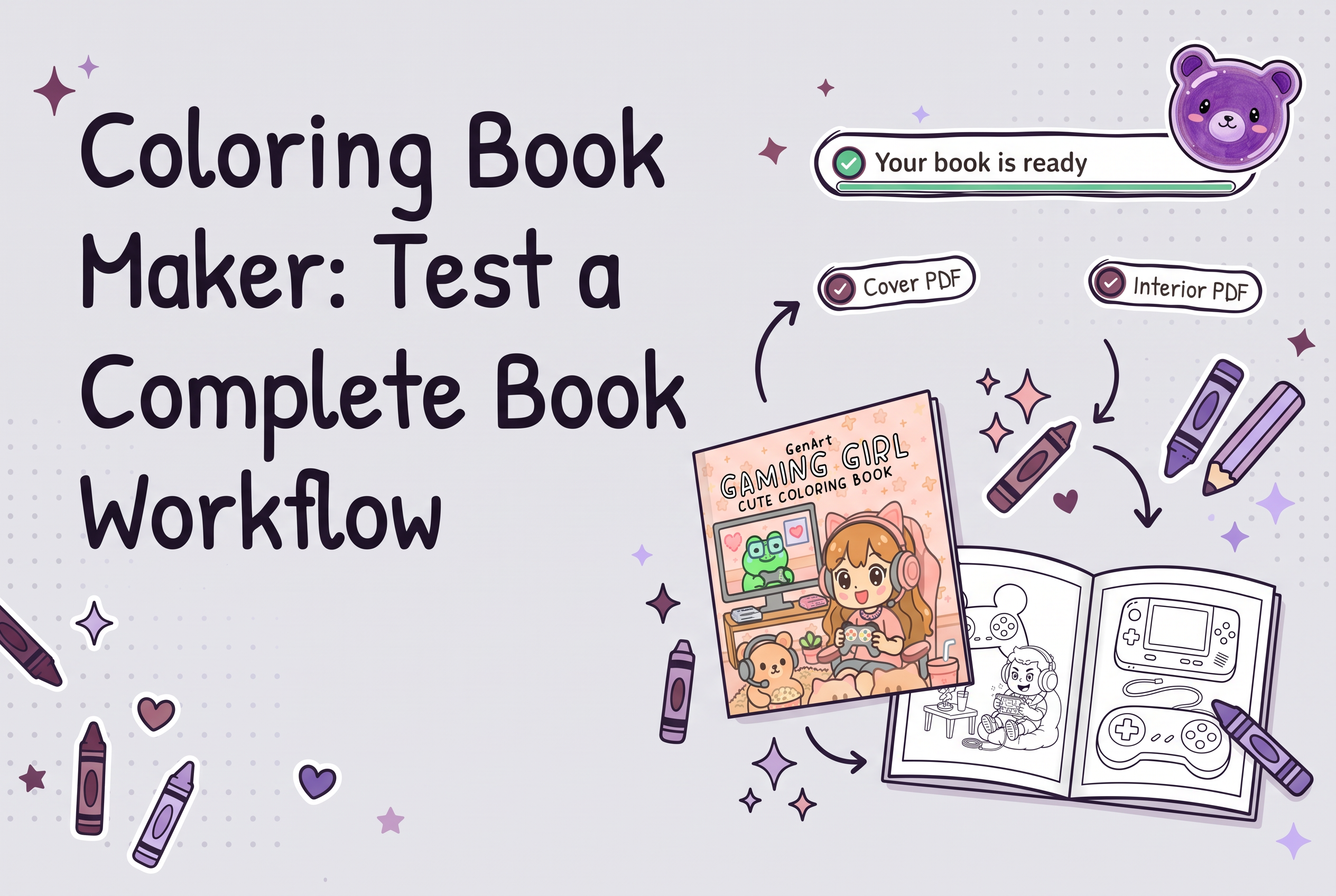

A coloring book maker is worth paying for only if one sample project comes out as a finished book: coherent interior pages, a full-wrap cover, files you can upload, a workflow you can afford, and commercial rights on the paid plan. Most comparisons rank tools by how many pages they generate. That is the wrong test, because pages are the easy part.
This guide gives you a six-step test you can run on a single sample book before committing money. It works for any tool, whether you are searching for a coloring book generator, a coloring book maker online, software, or an app that turns photos into outlines. KDP Coloring Book Studio, an AI tool that generates a complete coloring book with an 8.5×8.5" KDP-ready cover, is the worked example, and only supported facts about it appear here.
What a coloring book maker has to deliver (pages are only part of it)
A coloring book maker has to deliver five things: interior pages that belong together, a cover that wraps the whole book, files in a form you can upload, a total effort you can sustain, and the right to sell what you made.
Most tools in this category, from design software to AI generators to photo-to-outline apps, are strong on one item and silent on the rest. A generator can give you 40 attractive images and still leave you assembling a PDF, building a cover from scratch and guessing about commercial use. Design software gives you control but charges you in hours. Photo-to-coloring-page apps turn a picture into an outline, which suits a personal keepsake, but a sellable book needs a consistent set of pages and a cover too.
So judge a maker on the finished-book list, not on its demo gallery. The steps below turn that list into a test you can run in an afternoon.
Does an AI coloring book creator give you print-ready files?
It can, but check what "print-ready" means for your project. KDP Coloring Book Studio generates pages plus an 8.5×8.5" KDP-ready cover, ready to upload to Amazon KDP. You still upload them to your own KDP account and review everything yourself. On your sample project, open the files at full size, look for stray marks or uneven line weight, and confirm the page and cover dimensions match what you plan to select in KDP.
Step 1: Define one sample project and its reader before you open any tool
Write the sample project down first, because a vague test produces vague results. One sentence is enough: "A 24-page dinosaur coloring book for kids aged 4 to 6" or "a mandala book for adults who color to relax."
Add three constraints. Name the reader, name the theme, and pick a page count. Then keep those constraints identical for every tool you test. If you change the brief between tools, you are comparing your prompts, not the makers.
The reader decides what good looks like. Preschoolers need thick lines and large open shapes. Adults coloring to relax want fine detail. If you are making a kids' book, review detail by age group before you judge the output, so you don't mark a tool down for detail your reader never wanted.
Step 2: Test whether the pages read as one coherent book
Coherent pages share line weight, level of detail and visual style, so flipping through them feels like one book rather than a folder of unrelated images.
Generate the full sample, not three pages, and lay everything out side by side. Then check:
Line weight: do thick and thin strokes switch from page to page?
Detail level: does page 3 suit a four-year-old while page 9 suits an adult?
Style drift: do characters or objects look like they came from different artists?
Variety: is every page the same composition, or is there a sensible mix of scenes? Planning that mix is covered in coloring book page variety.
Print two or three pages at actual size if you can. Screen preview hides thin lines and crowded areas that show up immediately on paper. A tool that gives you strong single images but forces you to curate the set into a book hands you the hardest job back.
What should a printable PDF from a coloring book maker look like?
A printable coloring book PDF should hold the same line weight, level of detail and subject style from the first page to the last. Print two or three pages at actual size on ordinary paper and color a corner. Thin lines that vanish, large black fills that waste ink, or a style that shifts between pages are all warning signs.
Step 3: Check whether the cover is a full wrap, not just a front image
A KDP paperback cover is a full wrap: back cover, spine and front cover on one file. A maker that gives you only a front illustration has done a third of the cover job.
Ask of any tool: does it produce all three parts as one cover, or do you assemble the wrap yourself in another program? If it's the second, add that time and that second tool to your cost in Step 5.
KDP Coloring Book Studio produces a full-wrap cover with front, spine and back, alongside the interior pages. That is the right shape to expect. Still, no maker can promise your cover will clear every print check or sit perfectly on the physical book, so review the cover file yourself and order a proof copy before you launch. The proof copy checklist lists what to look at in print, and the wrap planning guide goes deeper on covers.
Step 4: Separate the files you get from the publishing you still do yourself
A maker gives you files. It does not publish your book. Be clear on the line between the two, because the gap is where hidden work lives.
For your sample project, write two lists. Under "delivered" put what you can download: interior pages, the cover, any listing text. Under "still mine" put everything else: creating your KDP account, entering title, description and categories, uploading the files, answering KDP's AI-disclosure questions, approving the proof and choosing the price.
KDP Coloring Book Studio prepares your files, and you upload them to your own KDP account. That is an honest description of the category, not a weakness. Anyone who tells you a tool publishes for you is describing a different product, or leaving out your responsibilities. If you have never uploaded a book, the KDP upload walkthrough shows the remaining manual steps.
Step 5: Add up total workflow effort and what you pay in credits or time
Total effort decides whether a tool fits: minutes of your time plus the money or credits spent, from blank brief to upload-ready files.
Time the whole run on your sample project. Count generation, regeneration of weak pages, cover work, any PDF assembly in another tool, and exporting. Then count cost. Credit systems differ, so ask what a credit buys and how many a finished book consumes. Don't compare headline monthly prices alone.
For the worked example, KDP Coloring Book Studio generates a complete book, pages plus cover. Its plans are Free (one watermarked 3-page book), Weekly at $7 per week, Author at $29 per month and Publisher at $49 per month, with a one-time 50-credit purchase available for $15. Use the free tier to run a miniature version of this test before paying. The free book is watermarked, so it shows you the workflow and the page style, not a sellable product.
A useful comparison table for your own notes:
| Check | What to record |
|---|---|
| Minutes from brief to files | Your stopwatch number |
| Pages you regenerated | Count, and why |
| Extra tools needed | PDF editor, cover app, resizer |
| Cost for the sample book | Credits or dollars |
If the tool saves you minutes but adds a second subscription for covers, the real total is higher than its price page suggests.
Step 6: Confirm paid commercial rights and your own review duties
Before you build a catalog, confirm in writing what you may do with the output on your plan. Free tiers are often watermarked or restricted, and rights can differ by plan.
For KDP Coloring Book Studio, paid-plan users own the output and can sell or publish the books commercially, including on Amazon KDP. Free-plan books are watermarked and not meant for sale.
Rights are only half of it. You remain responsible for reviewing every file and following KDP's content policies, including its AI-disclosure questions when you upload. Check each page for odd artifacts, check the cover text, and read your own listing. A tool that grants commercial rights has not reviewed your book for you, and none can promise a first-attempt pass on Amazon's checks.
How KDP Coloring Book Studio fits this test, and what a sample can't tell you
Run against the six checks, KDP Coloring Book Studio is built for the full-book shape. It generates a complete coloring book, interior pages plus a full-wrap cover, hands you files, and grants commercial rights on paid plans. You still do the account setup, upload, proof review and policy compliance yourself.
A public MCP server at api.kdpcoloringbook.com/mcp also lets AI agents create coloring books, which matters if you want to drive production from an agent rather than a web form. The related read is Coloring Book MCP.
Be realistic about what one sample proves. It shows whether the workflow produces a coherent book with a usable cover at an effort you accept. It does not predict sales, rankings or whether your niche has room. Those are separate questions, covered in how to validate a niche on Amazon. For comparison context, the published roundups of AI generators, such as the KDP-focused generator comparison, list what each tool exports and its pricing, which helps you decide which tools deserve a sample run.
How do you pick the best coloring book maker tool in 2026?
Judge it on one real sample project instead of a ranking list. Define one book and one reader, generate it, then check whether the pages look like a single book, whether the cover is a full wrap, and which publishing steps you still do yourself. Add up the credits or time the whole workflow takes and confirm commercial rights on the plan you would pay for. Free tiers help here, since you can see real output before spending anything.
Are AI coloring book apps from the app store enough to publish on KDP?
Casual coloring apps and AI outline generators are often built for coloring on a screen, not for producing a book. Before relying on one for KDP, check three things on a sample: whether you can export full pages at print resolution, whether the style stays consistent across a whole book, and whether it gives you a cover and clear commercial-use terms. A tool aimed at publishing, such as KDP Coloring Book Studio, covers pages and cover, with commercial rights on paid plans.
Run one sample book through KDP Coloring Book Studio before you subscribe
A coloring book maker earns its fee by delivering a finished book, so judge it on one sample project, not on a gallery of pages. Write your reader and theme down, generate the full set, inspect the wrap, list what you still do by hand, time the whole run, and confirm your rights. To try it on your own brief, start with the free tier of KDP Coloring Book Studio, watch how the workflow feels from brief to files, and move to a paid plan only if the sample passes your checks.
Frequently asked questions
What is the best coloring book maker for KDP?
The best one is the one that passes a full-book test: consistent pages, a full-wrap cover, files you can upload, an effort you can sustain, and paid commercial rights. KDP Coloring Book Studio is built for that shape, generating pages plus an 8.5×8.5" KDP-ready cover. Test any tool on one sample project first.
Can a coloring book generator publish the book to Amazon KDP for me?
No. A generator produces files; you publish them. KDP Coloring Book Studio prepares the interior and cover, then you upload to your own KDP account, answer KDP's AI-disclosure questions, review the proof and set your price. Treat any claim of fully automatic publishing with caution.
Can I sell books made with a coloring book maker?
It depends on the tool and plan, so check before you build a catalog. With KDP Coloring Book Studio, paid-plan users own the output and can sell or publish the books commercially, including on Amazon KDP. The free tier produces a watermarked 3-page book that is not meant for sale.
How do I know if a coloring book maker's pages are consistent?
Generate a complete sample, not a few images, and compare every page side by side. Look for stable line weight, matching detail level and one visual style, then print two or three pages at actual size. If you must curate the set into a coherent book yourself, the tool has left the hardest job to you.