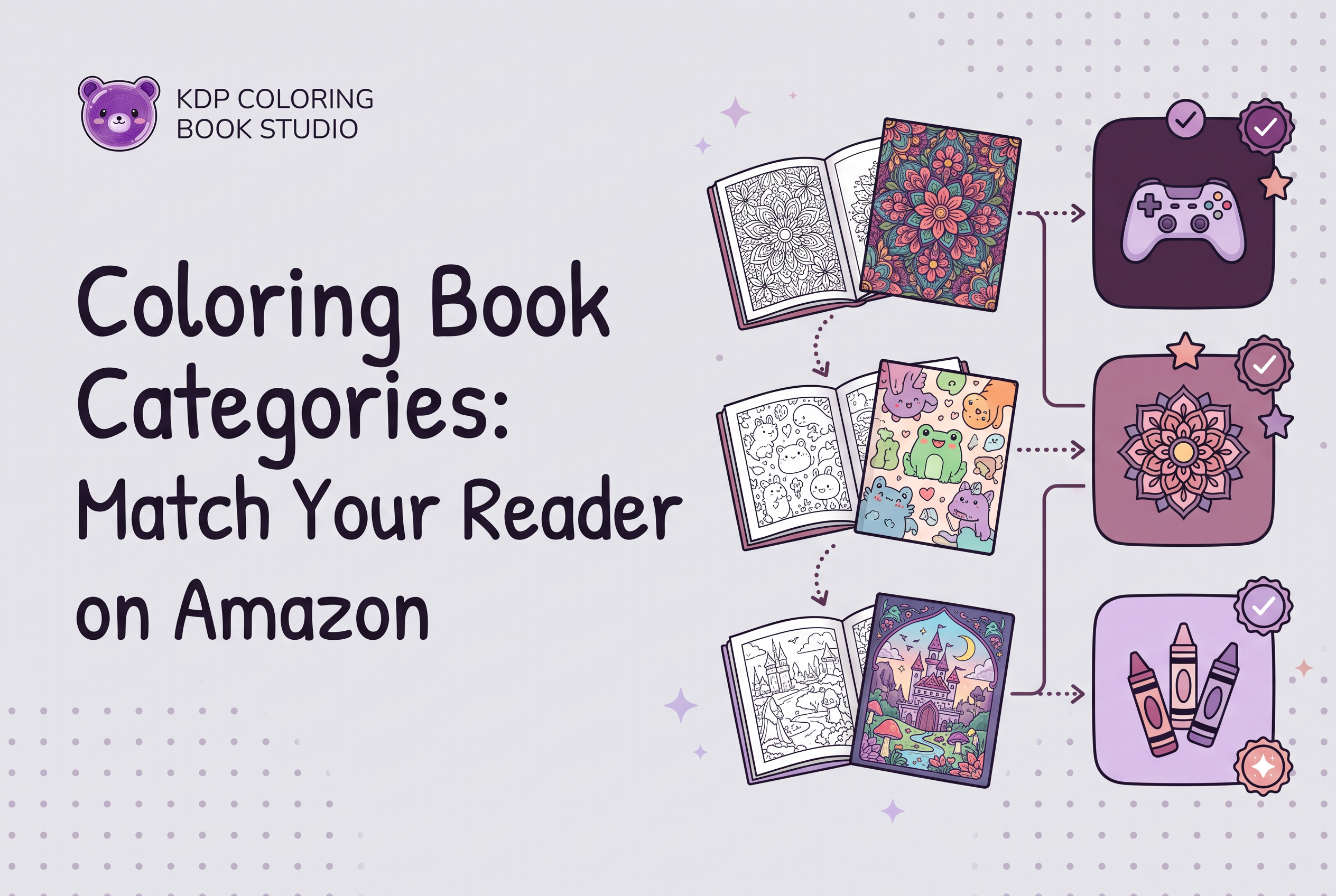

To choose Amazon KDP categories for a coloring book, pick up to three browse categories that match the real reader, the subject and the finished interior, then confirm each path inside the KDP category picker. Start from who will buy the book, not from a list of shelves. A category is a promise about what the buyer will find inside, and a mismatched promise costs you in returns, reviews and wasted shelf space.
This guide walks through how KDP categories work, how adult and children's coloring paths differ, how to check where comparable books sit, and what to do when a category does not show up. KDP Coloring Book Studio is an AI tool that generates a complete coloring book, every page plus a KDP cover, so you can build the book first and then choose categories by looking at the real finished files. You choose categories yourself in your own KDP account. Every example below is hypothetical.
What Amazon browse categories are and what KDP lets you choose
Amazon browse categories are the digital shelves that organize books by genre and topic, and KDP lets you choose up to three of them for a paperback. KDP's own help page says they help readers discover your book on Amazon.
You pick them during title setup. Open your Bookshelf, use the three-dot menu beside the paperback, choose Edit Paperback Details, and find the Categories section, where you select Choose categories or Edit categories. What you see depends on the format and the marketplace. Some categories are not available for every format, and the lists change over time.
People confuse this step with two others. Browse categories are not your 7 keyword slots, and they are not your ISBN or low-content classification. If you want the identifier side, read Coloring Book ISBN: Choose the Right KDP Classification. Categories only decide where a browsing reader can find the book.
Start with the reader, not the category list
Write down the reader first and let the shelf follow. Opening the category picker cold invites you to tick whatever sounds big. That is how a calm botanical book ends up next to novelty humor.
Write three lines before you touch KDP:
Who is the buyer? A parent filling a car trip, a teacher, a gift buyer, an adult coloring to unwind. These are different people even when the subject is the same.
What is the subject, exactly? "Corgis" is a subject. "Animals" is a wide shelf.
What does the finished interior deliver? Simple bold outlines or dense detail, and how many pages.
A hypothetical: a book of fifteen simple, thick-line farm animals for ages 3 to 5. The reader is a preschool parent. The shelf is a children's coloring shelf, not a general adult relaxation one. If you do not yet have this brief, Coloring Book Concept Brief: Define Your Reader First is the place to start, and the niche side is covered in How to Validate a Coloring Book Niche on Amazon Before Making It.
Adult and children's coloring book shelves: how the paths differ
Adult and children's coloring books live on different branches of the Amazon tree, so the first decision is which branch your reader belongs to. The paths below are the ones commonly seen. The KDP picker is the authority, since its wording and structure can change.
| Reader | Typical path | Then narrow by |
|---|---|---|
| Adult | Books > Crafts, Hobbies & Home > Crafts & Hobbies > Coloring Books for Grown-Ups | A theme subcategory such as Animals or Mandalas & Patterns, if offered |
| Children | Books > Children's Books > Activities, Crafts & Games > Activity Books > Coloring Books | Age or subject shelves, if offered |
Children's placements are tied to reading age. Set the reading age in the Primary Audience section of your book details, and keep it honest. KDP notes that books flagged for sexually explicit images or titles are ineligible for children's categories. A book set to an 18+ audience can behave differently from one set to a child range, so check where it actually lands after setup.
For a deeper look at the kids side, see the kids coloring book guide on this blog, which groups subjects by the buyer behind them.
Match the category to the finished interior and cover
A category must describe the book a customer receives, so choose categories after the interior and cover exist. A reader who clicks into a shelf expecting intricate mandalas and finds sixteen chunky outlines will not leave a kind review, however perfect the category looked on paper.
Hold the finished files next to your shortlist and ask:
Does the line weight and detail suit the reader on that shelf?
Do the pages match the subject in the category name, page after page, not just on the cover?
Does the cover tell the same story at thumbnail size? Run the cover thumbnail test before you lock the choice.
This is where building the whole book first pays off. KDP Coloring Book Studio generates the full set of pages and a KDP cover, so you can review the real interior and cover and then pick shelves that fit, instead of guessing from a concept. You still need to inspect the files yourself. The tool does not decide your categories for you.
How to research where comparable books are shelved
To find where comparable books are shelved, look at the product pages of books that match your reader, subject and interior, then read their category paths. KDP itself suggests researching where similar books sit and balancing reader interest with relevance.
A simple routine:
Search the exact phrase a reader would use and open five to ten books that look like yours.
Scroll to the product details and note each book's listed category paths.
Record which shelves repeat and which are specific to a close match.
Browse the marketplace's Books store and its Categories menu to see sibling shelves you did not notice.
On "low competition" categories: treat that as a relevance question, not a loophole. A narrower shelf that truly fits your book is worth more than a crowded broad one. A quiet shelf that does not fit will not help a reader find you. Best seller rank is a readout of sales, not a promise you can engineer, so use it only to see how crowded a shelf looks. For the keyword side of this research, see Coloring Book Keyword Research: Match Reader Intent.
Setting up and fixing categories in KDP: the 72 hour wait and missing categories
In KDP you select up to three categories, and changes can take up to 72 hours to appear on Amazon. If a path is not showing after that window, don't panic and don't keep resubmitting.
To set or edit them, go to Bookshelf, the three-dot menu, Edit Paperback Details, Categories, then Choose or Edit categories. Pick the most relevant paths for the book.
When a category is missing or not displaying, check these in order:
Wait the full 72 hours after publishing the change.
Check the format. Some categories are not available for every format.
Check the marketplace. Lists vary by country and change over time.
Check relevance. KDP can change or remove placements that do not fit the book.
Check the reading age on children's books.
On "how to add 3 categories" and "request additional categories": the three-category setup happens in the title details above. If the shelf you want is not in the picker, use specific keywords to add precision instead, since KDP points to keywords when no category fits. No trick unlocks shelves the picker does not offer.
Mistakes to avoid: irrelevant picks, reading age mismatches and category gaming
The three costly mistakes are irrelevant picks, reading age mismatches and category gaming. All three trade a short-term hope for a long-term problem.
Irrelevant picks. Choosing a hot shelf your book does not belong in invites returns and bad reviews, and KDP may change or remove it anyway.
Reading age mismatches. A dense adult mandala book set to a toddler range, or a simple kids book set to adults, puts it in front of the wrong buyer.
Category gaming. Chasing shelves because they look easy to climb, or hunting for ways around the picker, goes against KDP's guidance to choose categories that accurately reflect the content. Don't do it.
There is also the quieter mistake of choosing categories once and forgetting them. If you revise the interior or repackage a theme, recheck the shelves. If you are planning a family of books, Coloring Book Series: When to Expand a Proven Theme helps you decide how to differentiate each title instead of cloning the same three shelves.
Category choice checklist before you publish
Run this checklist on the finished files, in your own KDP account, before you hit publish.
I can describe the buyer in one sentence.
The subject in my category names matches the subject on every page.
Adult or children's branch matches the detail level and reading age.
I checked the category paths of five to ten comparable books.
Each of my up to three categories passes this test: would a browsing reader be glad to find this book here?
I confirmed the path in the KDP picker, since wording and options can change.
My cover reads clearly at thumbnail size and tells the same story as the shelf.
I know the 72 hour wait applies and I will not resubmit before it passes.
I disclosed AI use where KDP asks. See KDP AI Disclosure: Review a Coloring Book Before Upload.
If every line is a yes, your categories are doing their one job: sending the right reader to the right book.
Build the book first, then let the real files choose the shelf
Good coloring book categories come from a finished book and a named reader, not from a hunt for easy shelves. Generate your interior and cover, review the real files, then pick up to three honest categories in your own KDP account. If you want the complete book in front of you before you decide, try KDP Coloring Book Studio's free tier and make a watermarked 3-page book to see the pages and cover for your next theme.
Frequently asked questions
How many categories can I choose for a coloring book on KDP?
KDP lets you choose up to three categories for a paperback during title setup. Open your Bookshelf, use the three-dot menu, choose Edit Paperback Details, then Categories. Pick paths that accurately describe the finished book. With KDP Coloring Book Studio you can generate the full interior and cover first, then choose categories against the real files.
What are the main KDP categories for coloring books?
Adult coloring books commonly sit under Crafts, Hobbies & Home, in Coloring Books for Grown-Ups, with theme subcategories where offered. Children's books commonly sit under Children's Books, Activities, Crafts & Games, Activity Books, Coloring Books. Wording changes, so confirm the path in the KDP picker for your marketplace and format.
How do I find low competition categories for a coloring book?
Look at comparable books' product pages, note their category paths, and favor narrower shelves that truly fit your reader and subject. Relevance matters more than how quiet a shelf looks, and best seller rank is not a promise. Build the whole book first with KDP Coloring Book Studio, then match shelves to the finished interior.
Why is my coloring book not showing in the category I picked?
Allow up to 72 hours after publishing a category change. Then check that the category exists for your format and marketplace, that the reading age fits on children's books, and that the placement is relevant, since KDP can change or remove unrelated ones. If no shelf fits, add specific keywords instead.