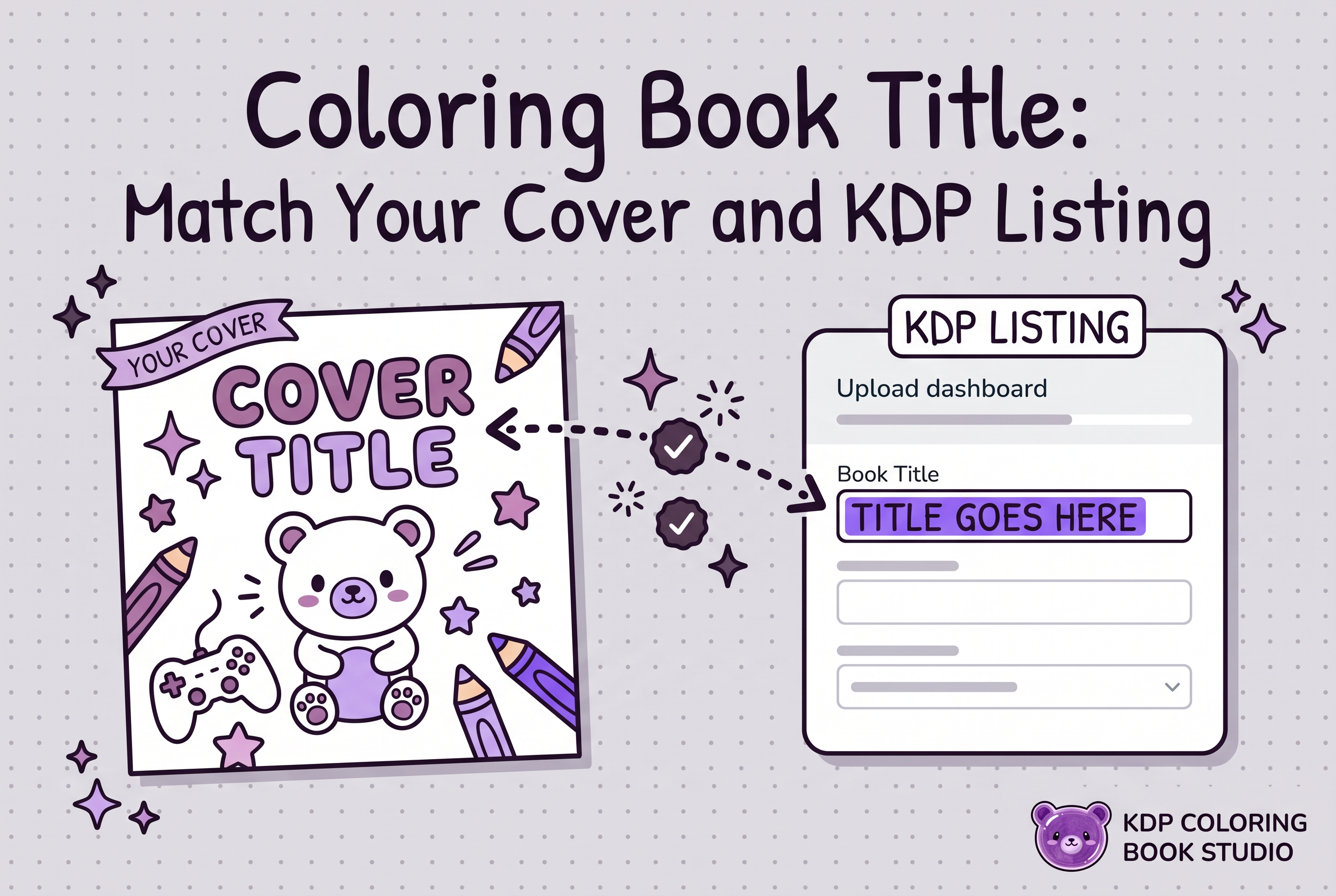

To choose a coloring book title, write two or three candidates, score each on clarity, reader fit and readability at thumbnail size, then enter the winner exactly as it appears on your cover. KDP says the title, subtitle and author name on your cover should match the metadata fields. The safest habit is to decide the wording once and copy it everywhere.
This guide is narrow on purpose. It covers how to pick between candidate titles, how to make the wording readable on a cover, and how to keep every place the title appears identical. For finding phrases and filling the seven keyword fields, see coloring book keyword research. For the description box, see coloring book listing description. All title examples below are hypothetical and exist only to show the method.
What a coloring book title has to do (and what the subtitle is for)
A title has one job: tell a shopper at a glance what the book is and who it is for. The subtitle adds information that sits under the title, such as the audience, the page count or the style, without repeating it.
Think of the pair as a split. The title is the short, memorable name. The subtitle is the plain-language clarifier. A title like "Dino Dig" is charming but vague on its own. A subtitle that says who it suits makes the book understandable in one look.
Take a position early: clarity beats cleverness. A coloring book is bought from a grid of small covers, usually by someone who already knows what theme they want. A witty title that hides the theme costs you the click. If you have only a nearly finished interior and a theme, name the theme in plain words first, then add personality.
What KDP's Metadata Guidelines say about title and subtitle
KDP's official Metadata Guidelines say titles are the most frequently used search attribute, and that the subtitle is optional. If your book has a subtitle, you enter it in its own field in the book details.
The rule that matters most for your workflow is consistency. The guidelines state that the title, subtitle, author name and series information on your cover should match the corresponding metadata fields. That is why this article insists on one frozen wording.
Two practical points from the guidelines and standard KDP practice:
Enter the actual title of the book in the title field, as it appears on the cover. Do not use the field for promotional text or a stack of search terms.
Keep the combined title and subtitle to fewer than 200 characters, as 200 characters or more exceeds KDP's limit. A coloring book title should land far below that anyway, because a long title shrinks on the cover.
Keywords have their own place. KDP provides separate optional keyword fields, so there is no need to cram phrases into the title. Rules can change, so reread the Metadata Guidelines on the day you publish instead of trusting any summary, including this one.
Compare 2 or 3 candidate titles with a simple scorecard
Pick no more than three candidates and score each from 1 to 5 on the same five criteria. Total them and let the numbers argue for you, not your attachment to a clever phrase.
| Criterion | What a 5 looks like |
|---|---|
| Theme clarity | A stranger names the theme in two seconds |
| Reader fit | Kid, teen or adult buyer is obvious |
| Thumbnail legibility | Readable when the cover is about the size of a postage stamp |
| Subtitle adds, not repeats | The subtitle gives new information |
| Cover and metadata match | You can type it identically in every location |
A hypothetical run for a book of ocean animals for young kids:
| Candidate | Clarity | Fit | Thumbnail | Subtitle | Match | Total |
|---|---|---|---|---|---|---|
| A: Under the Waves | 3 | 3 | 5 | 3 | 5 | 19 |
| B: Ocean Animals Coloring Book | 5 | 3 | 3 | 2 | 5 | 18 |
| C: Sea Friends: Easy Ocean Animal Pages for Ages 3 to 6 | 5 | 5 | 4 | 5 | 5 | 24 |
Candidate C wins because the subtitle carries the audience and the title stays short. Candidate B scores low on the subtitle because it just restates the theme. If two candidates tie, choose the one with fewer words on the cover.
The scorecard is a thinking tool you run yourself. It does not predict sales, and a high score is not a promise of one.
Hypothetical title and subtitle examples for kids and adult books
These pairs are invented for illustration. Check any wording you like for existing use and trademark issues before you commit. Nothing here is cleared.
Kids (ages 3 to 6, simple lines):
Title: Dino Stomp. Subtitle: Big Easy Dinosaur Pages for Little Hands
Title: Farm Day. Subtitle: Simple Animal Coloring for Ages 3 to 6
Title: Sea Friends. Subtitle: Easy Ocean Pages for Preschoolers
For kids, the subtitle should name the age band, because parents shop by age. How much line detail suits each age is its own decision, and the kids coloring book detail guide walks through it.
Adults (detailed, relaxing):
Title: Quiet Gardens. Subtitle: Detailed Floral Coloring Pages for Relaxation
Title: Moonlit Mandalas. Subtitle: Intricate Designs for Adult Colorists
Title: Cozy Cabins. Subtitle: Winter Scenes to Color and Unwind
Adult titles tend to lean on mood words, while the subtitle confirms the book is detailed and made for grown-ups. None of these pairs repeat the title inside the subtitle, and none stuff in unrelated search terms. Avoid claims you cannot back up, such as "best" or "number one," and do not use another author's name or brand as a hook.
Make the cover wording readable at thumbnail size
If the title cannot be read when the cover is tiny, the best metadata in the world will not rescue the click. Shoppers meet your cover as a small image in a results grid, so design for that first view.
Use these checks on your draft cover:
Shrink the cover image to roughly the size of a thumbnail and look away, then look back. Can you read the title without squinting?
Keep the title to a few large words. Push the long clarifier into the subtitle line in a smaller size.
Put strong contrast between text and background. Light text over busy artwork disappears first.
Leave the subtitle shorter than you want. If it only reads at full size, it is decoration, not information.
There is a trade-off worth naming. A longer, more descriptive subtitle helps the listing but crowds the cover. Resolve it by letting the cover carry the short title and one brief subtitle line, while the description and keyword fields carry the extra detail. For a structured way to test this, use the cover thumbnail test. If you are generating the cover itself, KDP Coloring Book Studio produces the full cover for your book, and you still review the wording on it before you upload. For wrap planning, see planning a coloring book wrap.
Keep the cover, interior title page and KDP metadata identical
Freeze the wording in one text document, then copy from it into every location. Retyping from memory is how mismatches creep in: a missing word, a swapped ampersand, a changed subtitle.
The places the same wording has to appear:
The front cover text
The title page inside the interior file, if you include one
The KDP title field
The KDP subtitle field
The author name, which also has to match the cover
The series name and number, if the book is part of a series
Match capitalization, punctuation and word order, not just the general idea. If the cover says "Sea Friends" and the subtitle line says "Easy Ocean Pages for Ages 3 to 6," the KDP fields should hold exactly those strings.
This is a check you do yourself. KDP Coloring Book Studio prepares your book files for you to upload to your own KDP account, but it does not validate titles, trademarks or metadata. The final comparison of cover against fields is on you. If you plan a series, settle the naming pattern now. The coloring book series guide covers when and how to extend a theme.
Pre-upload title checklist and next steps
Run this list before you press upload, then lock the wording.
I scored two or three candidates and picked one on purpose.
The title names the theme in plain words.
The subtitle adds audience or style and does not repeat the title.
Combined title and subtitle are well under KDP's character limit.
The title field holds the book title only, with no promotional text or keyword list.
Cover text, title page, KDP title, KDP subtitle and author name are character-for-character identical.
The cover title is readable at thumbnail size.
I checked the wording for trademark and existing-use problems myself.
I reread the current KDP Metadata Guidelines today.
If you also want a physical check, the proof copy checklist covers what to look at in print.
Decide the wording once, then copy it everywhere
The winning coloring book title is the one a stranger understands at thumbnail size and that you can enter identically on the cover, the title page and the KDP form. Score your candidates, freeze the text, and treat any mismatch as a bug to fix before upload. If you are still building the book itself, start a free book in KDP Coloring Book Studio, generate the pages and cover, then apply this checklist to the wording before you upload.
Frequently asked questions
How do I choose a title and subtitle for a coloring book on Amazon KDP?
Write two or three candidates, score each on theme clarity, reader fit, thumbnail legibility and whether the subtitle adds new information, then pick the highest total. Keep the title short and let the subtitle state the audience or style. Enter both exactly as they appear on your cover. KDP Coloring Book Studio prepares your cover, and you confirm the wording matches.
What are KDP's title and subtitle requirements?
KDP's Metadata Guidelines say the subtitle is optional and that the title, subtitle, author name and series information on your cover should match the metadata fields. The title field should hold the actual book title, and combined title and subtitle must stay under KDP's length limit. Recheck the official guidelines when you publish, since rules can change.
Should I put keywords in my coloring book title?
Put only words that truly describe the book, such as the theme and audience, because the title is what shoppers read first. Use KDP's separate keyword fields for search phrases instead of stuffing the title. For finding those phrases, use the coloring book keyword research guide, then keep the title readable on the cover.
Does my cover title have to match the KDP title exactly?
Yes, aim for an exact match. KDP states that the cover's title, subtitle and author name should match the corresponding metadata fields. Copy the wording from one saved document into the cover, the title page and the KDP form, matching punctuation and capitalization. KDP Coloring Book Studio does not check this for you, so compare them yourself before upload.