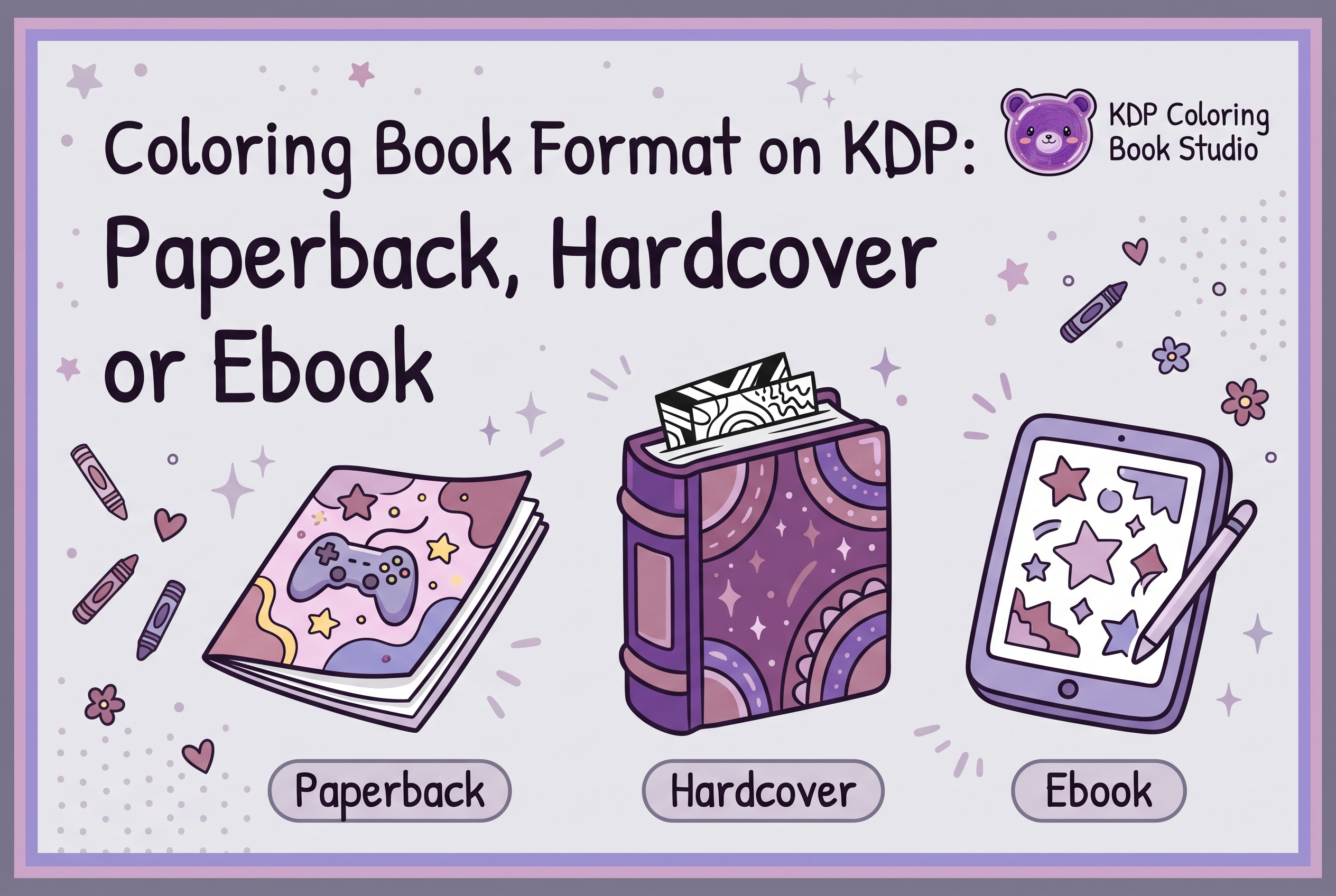

For most coloring books on KDP, paperback comes first: it is the format people actually color in, and it is the cheapest way to test a theme. Hardcover is a premium add-on for gift buyers, and a Kindle ebook rarely works for a book meant to be colored with pencils or markers. This guide helps you choose a coloring book format on KDP by how readers use the book, how KDP subtracts print cost from your royalty, and what list price each format forces on you.
The decision happens before you prepare files and a cover, so make it on purpose. KDP Coloring Book Studio, an AI tool that generates a complete coloring book (the pages plus a full wrap cover with front, spine and back), makes it cheap to prepare a book. But you still have to pick the format you upload to your own KDP account.
The short answer: start with paperback, then decide on the rest
Publish the paperback first. It is the standard way coloring books are bought on Amazon, it has no minimum order or inventory because KDP prints on demand, and it gives you real sales data before you spend more.
Then add a second format only if you have a reason. A hardcover makes sense when your theme is bought as a gift. A Kindle ebook makes sense in narrow cases, covered below. If you have no reason, a single paperback is a complete launch.
Here is the quick comparison:
| Format | How readers use it | Print cost taken from royalty | Best for |
|---|---|---|---|
| Paperback | Color directly on the page | Yes | Your default, first release |
| Hardcover | Color on the page, keep as a gift | Yes | Gift-driven themes, premium edition |
| Kindle ebook | Screen reading, preview, or printing at home | No printing cost, delivery cost on one option | Previews and a few special cases |
If you want the wider picture of how a first book is budgeted, see Amazon Self Publishing Cost: Budget a First Coloring Book.
What mistakes should I avoid when self publishing a coloring book?
The most common mistakes are picking a theme without checking competition, using a cover that looks weak at thumbnail size, and skipping a file review before upload. Another is judging success by ad clicks instead of royalties after costs. Producing a book quickly is no longer the hard part. Choosing a theme, getting discovered and keeping margin are. Also follow KDP content policies yourself, since you are responsible for what you publish.
How readers color changes which format makes sense
A coloring book gets used, not just read, so the format has to survive pencils, markers and a kitchen table. That is the single biggest reason paperback wins.
A reader holding a paperback opens it flat, colors, tears out a page if they like, and hands it to a child or friend. A hardcover is sturdier and feels like a gift, but it can be stiffer to color in near the spine. An ebook asks the reader to color on a screen or print pages themselves, and most buyers searching Amazon for a coloring book do neither.
Think about the buyer too. A parent buying for a road trip wants cheap and disposable. Someone buying a present for a relative who colors to relax may pay more for something that looks permanent. Match the format to that buyer, not to the format you find easiest to make. For help defining that reader, see Coloring Book Concept Brief: Define Your Reader First.
Paperback on KDP: the default for coloring books
Paperback is the default because it is how coloring books are sold, and KDP prints each copy only when someone orders it. When you create a paperback, you upload two files: a manuscript file for the interior and a cover file.
The cost side matters most. KDP prints your book on demand and subtracts printing costs from your royalties, and those costs vary with trim size, page count, ink type (black ink or color ink) and the Amazon marketplace where the book is ordered. A black-and-white interior is the usual choice for a coloring book, so you pay for black ink, not color.
KDP also sets a minimum list price based on your printing cost and royalty rate, and a maximum by marketplace. That makes page count a pricing decision, not only a content decision: more pages raise your printing cost and push your minimum price up. Check the figures for your exact trim size and page count in KDP's own calculator rather than guessing.
Paperback also has one requirement the ebook skips. KDP requires an ISBN for paperback and hardcover books except eligible low-content books. Coloring books generally do not qualify as low-content books. For a standard coloring book, use a free KDP ISBN or supply your own, with a separate ISBN for each print format. For the choice between them, see Coloring Book ISBN: Choose the Right KDP Classification.
Hardcover on KDP: when a premium edition is worth it
Hardcover is worth it only when your buyer is shopping for a gift and will accept a higher price. Treat it as a second edition of a book that already sells, not as a first release.
The royalty works the same way in principle. When a hardcover sells on Amazon and a new copy is manufactured for the order, you receive a royalty. KDP offers both a 50% and a 60% royalty rate depending on list price, with printing cost subtracted. Printing cost depends on the Amazon marketplace where the hardcover was ordered. The exact thresholds differ by marketplace, so confirm the current rate and price breakpoints in KDP Help before you set a price.
In practice, a hardcover costs more to print, so it forces a higher list price to leave you any margin. A higher price shrinks your pool of buyers, which is why it suits a gift-driven theme better than an impulse purchase for a toddler.
A hardcover is also a separate edition with its own file requirements, including its own cover specifications and its own ISBN. Don't reuse your paperback cover file as is. Prepare the hardcover cover to its own spec, and only after the paperback has proven the theme.
Kindle ebook: what it can and can't do for a coloring book (and where KDP Select fits)
A Kindle ebook can help you preview a coloring book, but it can't replace the paperback for most readers, because the point of the book is to color on paper. Treat it as a supporting format, not your main release.
Its economics are different. Ebooks have no printing cost. You choose between a 35% and a 70% royalty option for each ebook, and the 70% option only applies to sales in certain countries. Confirm the current rates, eligible territories and price ranges there before you decide, because they change the price you can set.
KDP Select is where people get confused. It is a free 90-day program for Kindle ebooks and audiobooks. It does not cover your paperback or hardcover, and enrolling an ebook carries exclusivity rules. Read the current terms on that page before enrolling, because exclusivity affects where else you can sell that ebook.
For a coloring book, the honest question is whether an ebook earns its extra upload. If your readers won't color on a screen, a paperback listing with strong sample pages usually does more work. See Coloring Book Sample Pages: Choose Previews That Help Buyers.
How print cost, royalty rate and list price decide your margin
Your margin is the list price times the royalty rate, minus printing cost, and the format sets two of those three numbers for you. The list price is not your income.
Work through it in this order:
Pick the format and page count, which determines printing cost.
Check KDP's minimum list price, which is built from that cost and the royalty rate.
Set a price your buyer will accept that sits above the minimum with room to spare.
Subtract printing cost from the royalty KDP calculates, and treat what remains as your margin per copy.
Subtract any advertising spend before you call a title profitable.
In that order, paperback usually leaves the most workable margin at a price coloring book buyers expect. Hardcover prints at a higher cost and needs a higher price. The ebook has no printing cost, but its price range and royalty option are set by the eBook rules, so it earns differently, not necessarily more.
Don't rely on a figure you saw in a forum. Rates, thresholds and printing costs are listed on the official KDP pages and can change, so confirm them in KDP Help the day you price. For a worked approach, see Coloring Book Pricing: Check Your Margin Before Publishing.
What royalty rates does KDP pay in 2026?
Rates change, so confirm current numbers on the official KDP help pages before you price. Historically, paperback and hardcover royalties are a percentage of list price minus printing cost, while Kindle ebooks have their own royalty tiers tied to price and delivery fees. Because print cost comes off first, a book with many full-page interiors earns less per copy than the list price suggests. Check KDP's royalty calculator for your exact trim size, page count and marketplace.
Preparing files for the format you pick (interior, full wrap cover, upload to your own KDP account)
Whichever format you choose, you prepare the same two pieces: an interior and a cover, then you upload them to your own KDP account. The cover for a print book is a full wrap, meaning front, spine and back in one file.
KDP Coloring Book Studio generates the whole book for you: the pages plus a full wrap cover with front, spine and back. You then review the files yourself and upload them to your own KDP account. Paid-plan users own the output and can sell it commercially, including on Amazon KDP. Plans start free (one watermarked 3-page book), then Weekly $7, Author $29 per month and Publisher $49 per month, with credit top-ups from $7.
Before you upload, review the pages and the cover on screen and, if you can, in a printed proof. You are responsible for checking the files against KDP's requirements and policies. If your book includes AI-generated content, KDP asks you to disclose it; see KDP AI Disclosure: Review a Coloring Book Before Upload.
If you are setting up KDP for the first time, you also need to complete your account details, payment information and tax interview before you can publish. The upload steps are laid out in the official KDP formatting page above, and your cover plan is covered in AI Book Cover Generator: Plan a Coloring Book Wrap.
How should I format a coloring book for KDP print and Kindle?
For print, use a consistent trim size, black-and-white interior pages at 300 DPI, and a cover sized to your page count so the spine and bleed line up. Keep artwork inside safe margins so nothing is cut off. A Kindle ebook needs a different build, and a coloring page you can't color digitally limits its value. Always preview in KDP's online previewer and review every file yourself before publishing.
FAQ: category, profitability and what sells
These questions come up before almost every first coloring book. The short version: choose categories that match your reader, price from your printing cost up, and test one format before you add another.
A second format doesn't have to double your workload. Once the paperback interior and wrap cover are finished, a hardcover needs only its own cover specification and ISBN, and a Kindle ebook needs its own listing details. Add one only after the paperback shows demand, and keep the paperback as your reference for what sells. For choosing categories, see Coloring Book Categories: Match Your Reader on Amazon, and for testing a theme before you commit, see How to Validate a Coloring Book Niche on Amazon Before Making It.
Should I run Amazon Ads on a new coloring book?
Treat Amazon Ads as a temporary launch aid, not a profit engine. Carlos Arbeláez, our founder, used ads on his own titles this way, and whether they build lasting organic visibility is a hypothesis, not a proven result. His test of TikTok views and likes also produced no attributable sales. Judge each title by actual royalties minus ad spend across several periods, not by ad metrics alone, and stop tests that don't pay back.
How do I self publish a coloring book on Amazon KDP, step by step?
First pick a theme and check the competition on Amazon. Next, choose your format, usually paperback first. Then prepare black-and-white interior pages and a full cover sized to your trim and page count. Create your KDP account, enter the title, description and keywords, upload files, preview them, set list price, and submit for review. KDP Coloring Book Studio can generate the pages and cover, but you upload everything to your own KDP account.
What does a 2026 self-publishing plan on Amazon look like for coloring books?
A practical 2026 plan starts with a theme drawn from a real cultural interest, validated by checking competition rather than trusting sales estimates. Make the cover work as a small search thumbnail, launch with paperback, and track royalties minus costs per title over several periods. Decide in advance when you will stop a test that isn't working. Policies and rates change, so confirm details on KDP's official help pages. And don't believe any promise of easy income.
Publish the paperback, then let sales tell you what to add
The best coloring book format on KDP is the one your reader colors in, and for most books that is paperback, with hardcover and ebook added only when real demand justifies the extra files. Make one paperback, price it from your printing cost up, and read the results before you expand. To get the interior and full wrap cover ready quickly, start with the free tier of KDP Coloring Book Studio, review the files, and upload them to your own KDP account.
Frequently asked questions
Which KDP format is best for a coloring book?
Paperback is the best starting format for most coloring books because readers color directly on the page and KDP prints on demand with no inventory. Add a hardcover for gift-driven themes only after the paperback sells. KDP Coloring Book Studio prepares the interior pages and a full wrap cover so you can upload your paperback to your own KDP account.
Does KDP Select cover paperback and hardcover books?
No. KDP Select is a free 90-day program for Kindle eBooks and audiobooks, not just Kindle eBooks, so paperback and hardcover editions are not enrolled in the program. Enrolling an ebook involves exclusivity rules, so read the current terms in KDP Help before you enroll. For a coloring book, the paperback listing is usually the main product.
How does KDP calculate royalties for a coloring book?
For print books, KDP applies the royalty rate to your list price and subtracts printing cost, which varies by trim size, page count, ink and paper type. Ebooks offer 35% or 70% options with eligibility rules. Rates and thresholds change, so confirm them in KDP Help before pricing. Then compare your margin per copy against ad spend.
Do coloring books sell well on Amazon KDP?
Some do, but a book selling depends on theme, cover appeal at thumbnail size, discovery and margin after printing cost and ads, not on how fast you publish. Validate your niche on Amazon first and judge each title by royalties minus ad spend. KDP Coloring Book Studio speeds up making the book; choosing the theme is still yours.
How do I sell coloring books on Amazon?
Create a KDP account, finish payment and tax details, then publish a paperback with an interior file and a full wrap cover, a title, description, categories and a price above KDP's minimum. KDP Coloring Book Studio generates the pages and cover; you review the files and upload them to your own account.