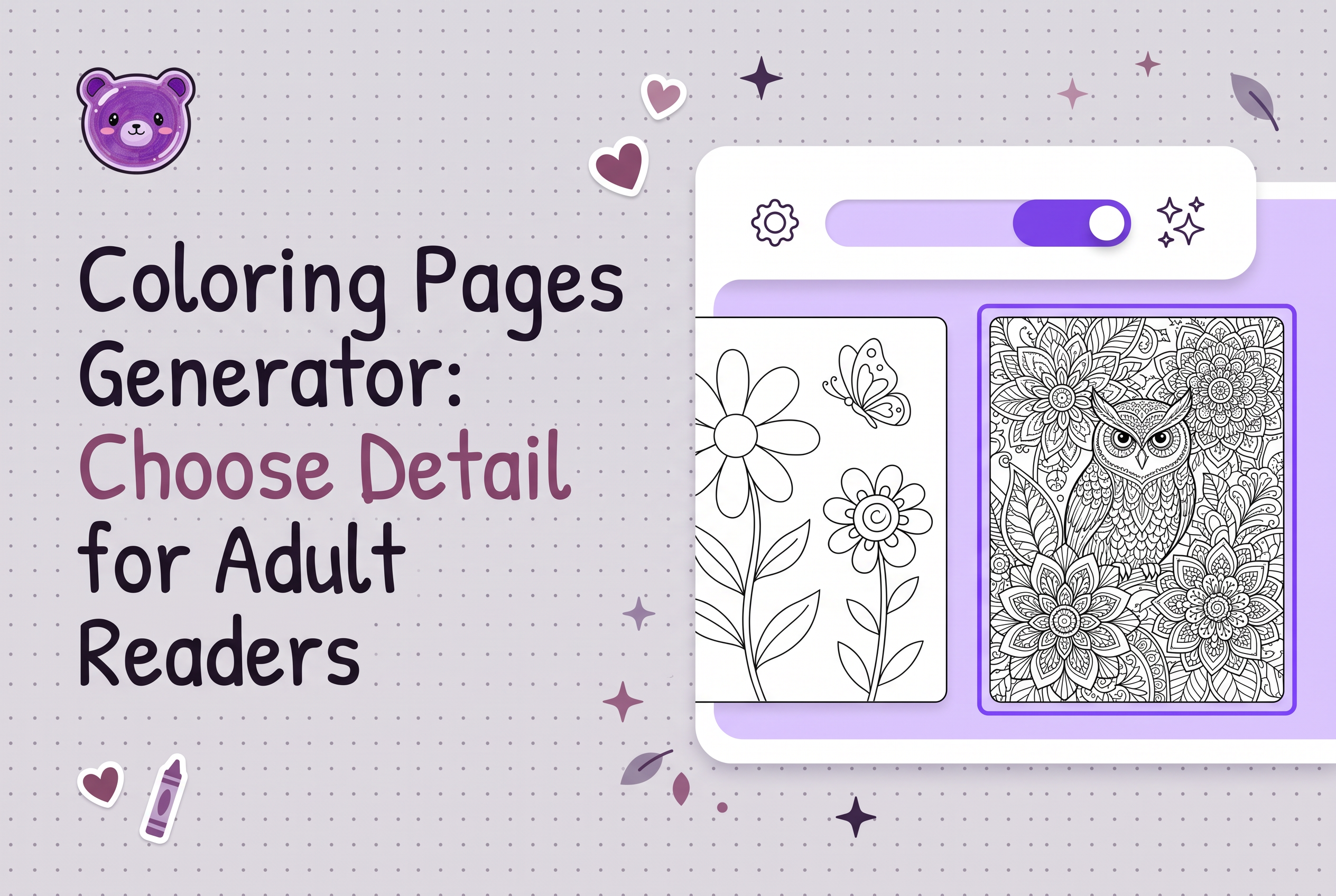

A coloring pages generator can draw almost any subject, but it can't tell you how much detail an adult reader wants, so you decide that before you generate a single page. The wrong choice is rarely a broken file. It's a clean, well-drawn page that's too busy for one reader or too empty for another.
This guide walks through the decision as a KDP publisher would face it: pick a concrete adult reader, treat bold and intricate as two valid preferences, compare three hypothetical briefs for one subject, check comfort page by page, and make the listing promise match the interior. It doesn't rank tools. It helps you choose what to ask for.
What a coloring pages generator can and cannot decide for adult readers
A coloring pages generator decides how to draw what you describe. It doesn't decide who the page is for. Whether you use a free coloring page generator online, a browser based generator or an AI coloring page maker, the output follows your brief. Ask for "a fox in a forest" and you get an average answer that suits no one in particular.
The tools people search for first (Adobe Firefly, Canva, Crayola's free pages, SuperColoring and similar printable line art sites) are built to hand you a page quickly. That works for a one-off printable. A book is different: you need dozens of pages that feel like they belong to the same reader.
So split the job in two. The generator draws. You make three decisions it can't: the reader, the complexity level and the subject density. Make those first, put them in the brief, and every page inherits them.
Define a concrete adult reader before you pick complexity
Pick one adult reader you can describe in a sentence, because "adults" isn't a reader. Compare these hypothetical examples:
Someone who colors for twenty minutes in the evening with a few pencils and wants to finish a page in one sitting.
Someone who keeps a fine-liner set and likes a page that takes several sessions.
A gift buyer choosing for a relative whose preferences they're guessing at.
Each implies a different page. The first wants large open areas and few objects. The second wants small enclosed spaces and repeating pattern. The gift buyer needs a book that looks welcoming in a thumbnail and doesn't intimidate.
Write the reader down along with the tool they likely use (pencils, gel pens, markers). Marker bleed and pencil precision change how small a region can be before it becomes frustrating. If you want a structured way to capture this, the coloring book concept brief guide covers defining your reader first. Do that, then come back to complexity.
Bold and easy versus intricate: preferences, not an age hierarchy
Bold and easy pages aren't a lesser product for beginners, and intricate pages aren't a graduation level for experts. Both are preferences, and adults hold either one.
An adult might choose bold shapes because they want a relaxed, low-decision session, because they color on a train, or because they like how a thick-line design looks when finished. Another chooses intricate work because they enjoy sustained focus and small spaces. Neither is more grown up.
This is where adult books differ from age-banded children's books. For kids, detail is often tuned to developmental stage, as the age-group review guide explains. For adults, drop the ladder. Treat bold and intricate as two shelves, decide which shelf your book lives on, and keep the whole interior there.
The common mistake is mixing both inside one book without telling the buyer. Someone who bought for easy, open pages and finds a dense lattice on page nine feels misled, even if every page is well drawn.
One subject, three complexity levels: hypothetical text briefs
The same subject can be briefed at three levels, and the brief wording is the lever you control. The following are hypothetical examples for illustration. They are not tested prompts and not results from any real run.
Level 1, bold and open (hypothetical brief): "A single large owl on a branch, thick uniform outlines, five or six large shapes, no background texture, plain white surroundings, every area big enough to fill with a marker."
Level 2, moderate scene (hypothetical brief): "An owl on a branch with a few leaves and a crescent moon, medium line weight, about fifteen distinct areas, simple feather patterns on the body, background kept light with generous white space."
Level 3, intricate (hypothetical brief): "An owl with detailed layered feathers, a branch of overlapping leaves, a night sky of small stars and a repeating border pattern, fine line weight, many small enclosed areas, dense composition suited to fine-liners."
Look at what changes: object count, line weight, the number of enclosed areas and how much the background contributes. The subject stays the same. That's the point. Complexity lives in your wording about line, count and background, not in the topic.
Write the level into every brief in a book so pages don't drift. A generator given a vague brief picks its own level, and it picks differently from page to page.
Choose subject density and check coloring comfort page by page
Subject density is how much is on the page, and it should match the reader you defined, not the generator's default. A dense page of many small animals can read as rich to one adult and as work to another.
After generating, review each page the way a reader would color it, at the intended print size. Ask these questions:
Can the smallest area be filled with the tool this reader uses, or is it too tight for a marker tip?
Are the lines clear and closed, or do gaps let color bleed into neighboring shapes?
Does the eye know where to start, or does every region carry the same visual weight?
Does the background add something or just add noise?
Zoom in on suspicious spots, then print a few pages. A page that looks fine on screen can feel cramped on paper. If a page fails, tighten the brief (fewer objects, thicker lines, simpler background) and regenerate it. Don't accept it because it's nearly right.
For variety across the whole interior without breaking your chosen level, see coloring book page variety.
Match the listing promise to the interior
The listing should promise exactly the level of detail the pages deliver, because a mismatch is what disappoints buyers. If the interior is bold and open, say so in the description and keep the cover and preview pages in that style. If it's intricate, say that and show intricate samples.
Two guides help here. Your sample pages are the strongest evidence a buyer sees, so choose ones that represent the typical page, not the most impressive one: coloring book sample pages covers choosing previews that help buyers. Then write the copy to match using the listing description guide.
Here's a simple check. Read your description, then open three random interior pages. If the words "relaxing, easy to color" sit above a page with hundreds of tiny regions, one of them has to change. Change the copy or regenerate the pages. Don't leave the gap for the buyer to find.
Where KDP Coloring Book Studio fits in an adult book workflow
KDP Coloring Book Studio is an AI tool that generates a complete coloring book, every page plus a KDP cover, ready to upload to Amazon KDP. For an adult book, it sits after your decisions: you bring the reader, complexity level and subject density, and it produces the full set of pages so you aren't assembling a book from single downloads.
That matters because most online page makers return one image at a time. A book needs consistency across the whole interior, and generating it as one project helps you hold your chosen level steady. You still review every page for coloring comfort and check the files before upload. The tool prepares the files, and you publish from your own KDP account.
There's a free tier (one watermarked 3-page book) so you can test whether your complexity brief produces the feel you want before committing. Paid plans start with a $7 weekly option, with Author at $29 and Publisher at $49 per month, and credit top-ups from $7. Paid-plan users own the output and can sell it commercially, including on KDP.
If you're still comparing approaches to producing a full book, AI book generator: choose a coloring book workflow lays out the options.
Frequently asked questions
The short answers to the searches people run most often are below. Each one builds on the decisions above: reader first, then complexity, then density, then listing.
Decide the reader and the detail level, then generate
The generator is the fast part. The slow part, and the valuable one, is deciding which adult you're making the book for and how much goes on each page, then holding that line across the whole interior and the listing. Write your reader in one sentence, pick one complexity level, draft a brief at that level, and generate a short test set. If you want to try it without committing, start with the free 3-page book in KDP Coloring Book Studio, check the pages for coloring comfort, and only then build the full book.
Frequently asked questions
What is the best AI coloring pages generator for adults?
The best choice depends on whether you need single printable pages or a full book. For one-off printables, general online makers work. For a KDP interior with consistent pages and a cover, KDP Coloring Book Studio generates the complete book, and you decide complexity and density in your brief before generating.
Is there a free coloring page generator online that makes printable line art?
Several free online makers produce printable line art, usually one page at a time. KDP Coloring Book Studio has a free tier that creates one watermarked 3-page book, which lets you test how your detail level and subject density turn out before paying for a full book.
How do I choose how detailed adult coloring pages should be?
Start with a specific reader and the tool they color with, then pick bold and open or intricate and dense as a preference, not a skill level. Write that level into every brief, review pages at print size, and keep the listing description consistent with what the interior actually shows.
Can I create custom coloring pages for both kids and adults?
Yes, but brief them differently. Kids' pages are often tuned by age band, while adult pages are tuned by reader preference for bold or intricate work. Keep one level per book so buyers get what the listing promises. The kids' age-group guide covers the children's side in detail.
Can I sell coloring books made with an AI coloring pages generator on Amazon KDP?
You can publish them on KDP, and you should follow KDP's rules, including disclosing AI-generated content when asked. With KDP Coloring Book Studio, paid-plan users own the output and can sell it commercially, including on Amazon KDP, while still reviewing every file before upload.